

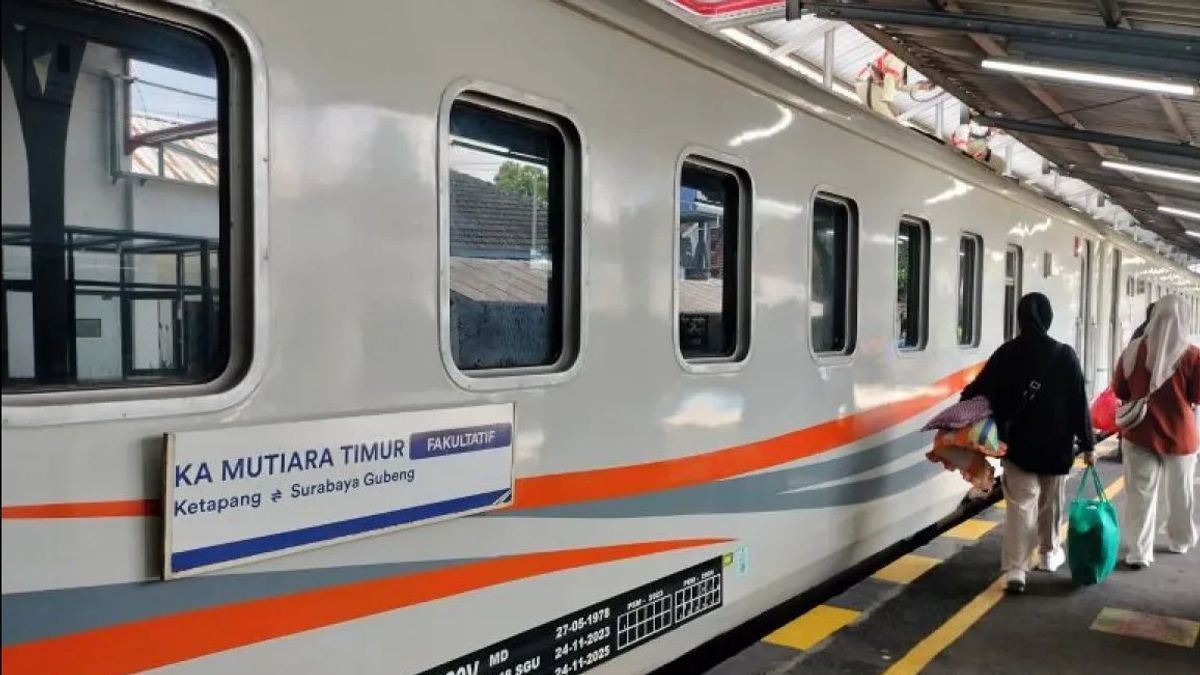


YOGYAKARTA - For those of you who have traveled by train transportation, you may be wondering if you can use the Wi-Fi internet during your trip. The answer is of course you can! Now, some train services in Indonesia have provided Wi-Fi services on trains, free of charge for passengers. So how to use Wi-Fi KAI? Check out the review below.
In general, this facility is provided for certain classes, such as executives or long-distance trains that support additional services. This service is certainly useful as a support for passenger comfort while traveling. Although the speed is not as fast as Wi-Fi at home, this connection is adequate for just browsing, chatting, or checking emails.
For the technical steps, see some things you need to know about Wi-Fi on the train and how to use it below.
Before you enjoy Wi-Fi access on the train during the trip, there are several important things to make sure of first. Make sure the points below so that your internet experience on the train is smoother!
Before using Wi-Fi during the trip, you must first make sure whether the train you are riding provides this facility. Not all trains support free internet services, so it is important to check the information first.
Reporting from the KAI page, free Wi-Fi services are provided for several train trips, such as Pandalungan, Argo Merbabu, Argo Semeru, Bima, Manahan, Sembrani, Argo Wilis, Argo Sindoro, Argo Muria, Gajayana, Turangga, Brawijaya, Argo Lawu, Argo Dwipangga, Purwojaya, Argo Bromo Anggrek, Taksaka, Majapahit, Lodaya, Jayabaya, and Progo.
In order to be able to use the Wi-Fi service, you certainly need a device that already supports wireless connections, for example HP, tablet, or laptop. Make sure the Wi-Fi feature on your device is active and ready to use. No need to install additional applications, just take advantage of the built-in browser to access the network.
Once the Wi-Fi feature is enabled, your device will display a list of networks available on the train. Select the network according to the name listed, then connect it. In order for the connection process to run smoothly and not experience problems, make sure you choose the correct network.
So that you can stay online during long trips, take steps using Wi-Fi on the following trains.
If the Wi-Fi network on the train is experiencing problems or is not stable, you can still stay online in several ways below.
Use the internet quota so that you can stay connected without relying on the train's Wi-Fi. Just activate the available data packages directly from the application according to your needs.
If you have another device, such as a laptop or tablet, you can activate tethering from your cellphone to share your internet connection. Make sure your quota is sufficient to keep it smooth during the trip.
SEE ALSO:
-
 | LIFESTYLE
10 Peringkat Bahasa Termudah di Dunia yang Bisa Anda Kuasai dengan Cepat
08 Desember 2025, 05:25


In order not to experience network problems, you can download important documents; music, videos, or articles before boarding the train. So, you can still access entertainment or work even if it's offline.
That's the review of how to use KAI Wi-Fi. Hopefully useful. Visit VOI.id to get other interesting information.
The English, Chinese, Japanese, Arabic, and French versions are automatically generated by the AI. So there may still be inaccuracies in translating, please always see Indonesian as our main language. (system supported by DigitalSiber.id)
Most Popular Tags
#Prabowo Subianto #donald trump #2026 World Cup #Febrie Adriansyah #8791Popular


