

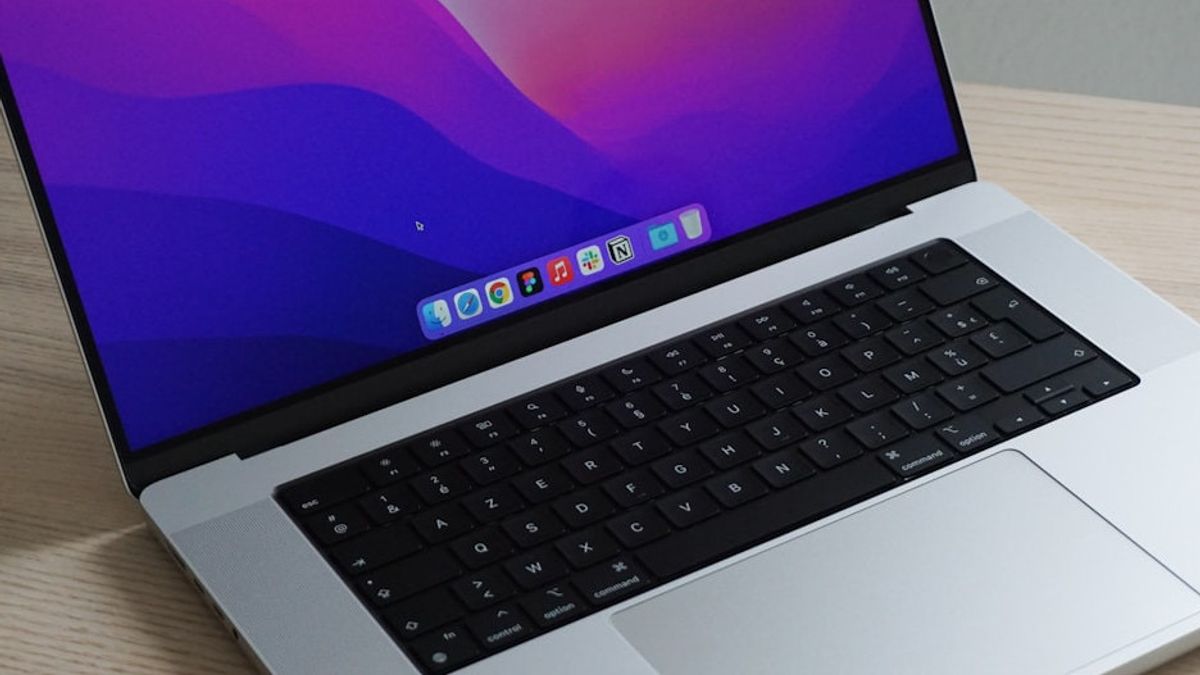


JAKARTA Full storage is a problem that gadget users often face, including devices like MacBook. If this problem occurs, you may try to delete files one by one.
In fact, this method is very troublesome because you need to check the file non-stop. There are several more efficient ways to reduce storage space in MacBook without the need to give up certain files. Here are three ways, according to How to Geek.
Remove App Installation
The easiest way to get back to storage space is to delete apps that are no longer in use. However, dragging the app to Trash will not completely delete all files in it.
SEE ALSO:
-
 | TEKNOLOGI
The Coin Game Tinggalkan Akses Awal, Rilis Penuh Awal Tahun 2026
23 November 2025, 18:15 -
 | TEKNOLOGI
Rahasia Tersembunyi di Balik Rangkaian Sel Volta yang Mengubah Dunia Listrik
23 November 2025, 17:31 -
 | TEKNOLOGI
PUBG: Black Budget Segera Hadir di PC, Uji Coba Alfa Dibuka Bebas untuk Pemain
23 November 2025, 17:15 -
 | TEKNOLOGI
Facebook Rilis Fitur Nama Panggilan di Grup untuk Jaga Privasi Pengguna
23 November 2025, 17:00 -
 | TEKNOLOGI
X Perkenalkan Fitur Baru About this Account untuk Tingkatkan Transparansi Profil
23 November 2025, 16:00
For a more complete process, you can use third-party applications such as AppCleaner or Pearcleaner. This application will ensure all support files and references left behind by the application are also deleted.
Remove Old Device Reserves
If you regularly sync iPhone or iPad with Mac, your device may store old data backups that consume a lot of space. These reserves can accumulate for months and can be removed easily.
You can manage these backups via Finder by connecting the device and selecting Reserve Management. You can also manually access it on Finder by entering the ~/Perpustakapan/Support App/MobileSync/Candangan/line.
Clean Cache Applications Routinely
Another thing that also consumes storage space is the app cache. Cache is temporary data stored for fast access. This data can accumulate over time and become very large, especially in media applications.
For example, Spotify cache can swell to dozens of gigabytes, especially when activating lossless audio. To clear cache, you can access the menu via application settings or manually through the Library folder.
If you want to manually clear the cache, you just need to open Finder, select Go, hold the Option button, then select Library. In the Cache folder, you can sort by size and remove folders from applications that are no longer needed.
The English, Chinese, Japanese, Arabic, and French versions are automatically generated by the AI. So there may still be inaccuracies in translating, please always see Indonesian as our main language. (system supported by DigitalSiber.id)
Most Popular Tags
#Prabowo Subianto #donald trump #firearm #8791 #giias 2026Popular


