
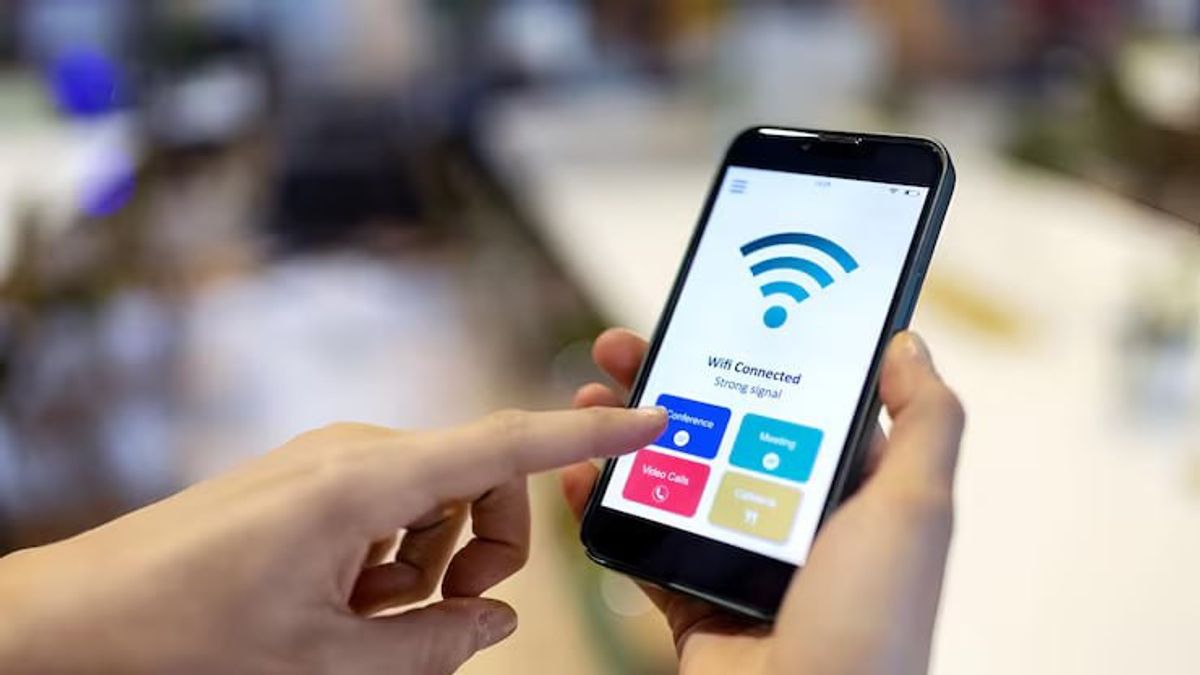


YOGYAKARTA - Sharing Wi-Fi (Wearless Fidelity) can now be done easily without having to be complicated remembering and notifying passwords or passwords. Now you can simply scan the barcode on your phone and the Wi-Fi will be automotatically connected.
How to view the Wi-Fi barcode is quite easy, with just a few steps, you can already share Wi-Fi with friends or people in need. Interested? Here's how to view the Wi-Fi barcode on your cellphone, either Android or iPhone, complete by scanning it (scanning).
Currently, the internet network has become a daily need, either for work, learning, or just enjoying entertainment. Well, when we gather with friends or relatives, sometimes there are times when we want to share the Wi-Fi network with them.
Now it can be done easily, without the need to use a password, but simply use a barcode. Here's how to view the Wi-Fi barcode on your phone
First, make sure your phone has updated the Android 10 version or above it. How to view the Wi-Fi barcode on Android phones can be done the following steps.
Cara melihat barcode di ponsel iPhone bisa dilakukan dengan cara yang kurang lebih sama dengan ponsel Android.ikuti langkah-langkah berikut.
If the Wi-Fi barcode doesn't appear, you can use a third-party application that can help create a QR code to save you.
SEE ALSO:
-
 | TEKNOLOGI
The Coin Game Tinggalkan Akses Awal, Rilis Penuh Awal Tahun 2026
23 November 2025, 18:15 -
 | TEKNOLOGI
Rahasia Tersembunyi di Balik Rangkaian Sel Volta yang Mengubah Dunia Listrik
23 November 2025, 17:31 -
 | TEKNOLOGI
PUBG: Black Budget Segera Hadir di PC, Uji Coba Alfa Dibuka Bebas untuk Pemain
23 November 2025, 17:15 -
 | TEKNOLOGI
Facebook Rilis Fitur Nama Panggilan di Grup untuk Jaga Privasi Pengguna
23 November 2025, 17:00 -
 | TEKNOLOGI
X Perkenalkan Fitur Baru About this Account untuk Tingkatkan Transparansi Profil
23 November 2025, 16:00
How to scan the Wi-Fi barcode, either on Android or iPhone phones, can be done by following the following steps.
For the sake of discussing how to view the Wi-Fi barcode. Now you can share a Wi-Fi network without having to share passwords.
In addition to discussing how to view the Wi-Fi barcode, follow other interesting articles on VOI.ID. So that we don't miss the updated news of our follow and monitor our social media accounts!
The English, Chinese, Japanese, Arabic, and French versions are automatically generated by the AI. So there may still be inaccuracies in translating, please always see Indonesian as our main language. (system supported by DigitalSiber.id)


