

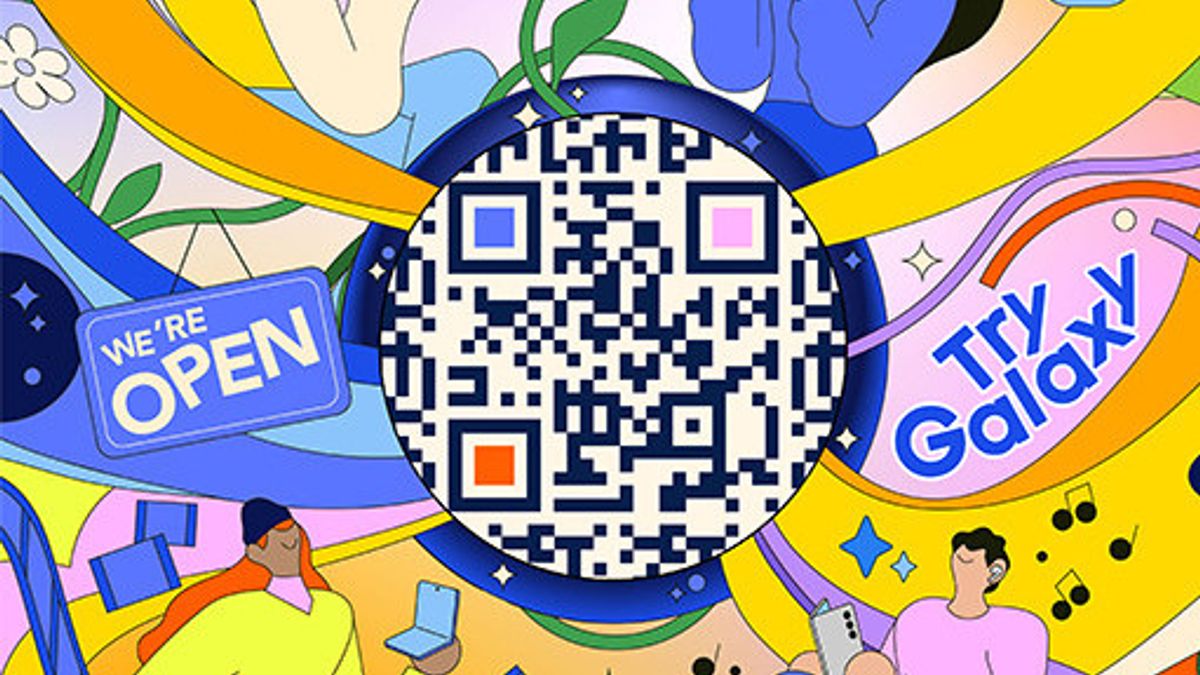


JAKARTA Samsung launched many new features, even those based on Artificial Intelligence (AI), on the Galaxy Z Fold 7 and Z Flip 7. Interestingly, these advanced features can be tried on other devices.
This can be done through Try Galaxy, a platform specifically designed for Samsung or non-Samsung users. They can try out superior features and experience folding cell phones on the devices they currently use.
Try Galaxy is basically a simulation platform designed to introduce Samsung One UI and Galaxy AI interfaces and advanced features. Of course, the features included are a line-up of features from One UI 8.
Users can try features such as editing photos with Photo Assist, translating conversations instantly, to looking for information with Circle to Search with Google. All these practical experiences can be accessed via a special site from Samsung.
"We want everyone, including non-Galaxy users, to be able to enjoy the innovations that we present on the Galaxy device. Simply through the browser, users can try the One UI interface and various smart features of the Galaxy ecosystem," said Ilham Indrawan, MX Product Marketing Senior Manager Samsung Electronics Indonesia.
How To Access Try Galaxy
To access the Try Galaxy platform, users only need to follow the easy steps below. Before starting, make sure that the internet connection used is in a stable state.
SEE ALSO:
-
 | TEKNOLOGI
NVIDIA Hentikan Produksi Chip H20, Buntut Larangan Pemerintah China
22 Agustus 2025, 14:05


How To Use Folding Screen Phone Mode
By using this mode, users can feel how to use a folding cellphone with two screens. However, users must have two smartphones to try it out. Here's how you can do it.
The English, Chinese, Japanese, Arabic, and French versions are automatically generated by the AI. So there may still be inaccuracies in translating, please always see Indonesian as our main language. (system supported by DigitalSiber.id)
Most Popular Tags
#Prabowo Subianto #donald trump #2026 World Cup #Febrie Adriansyah #8791Popular


