
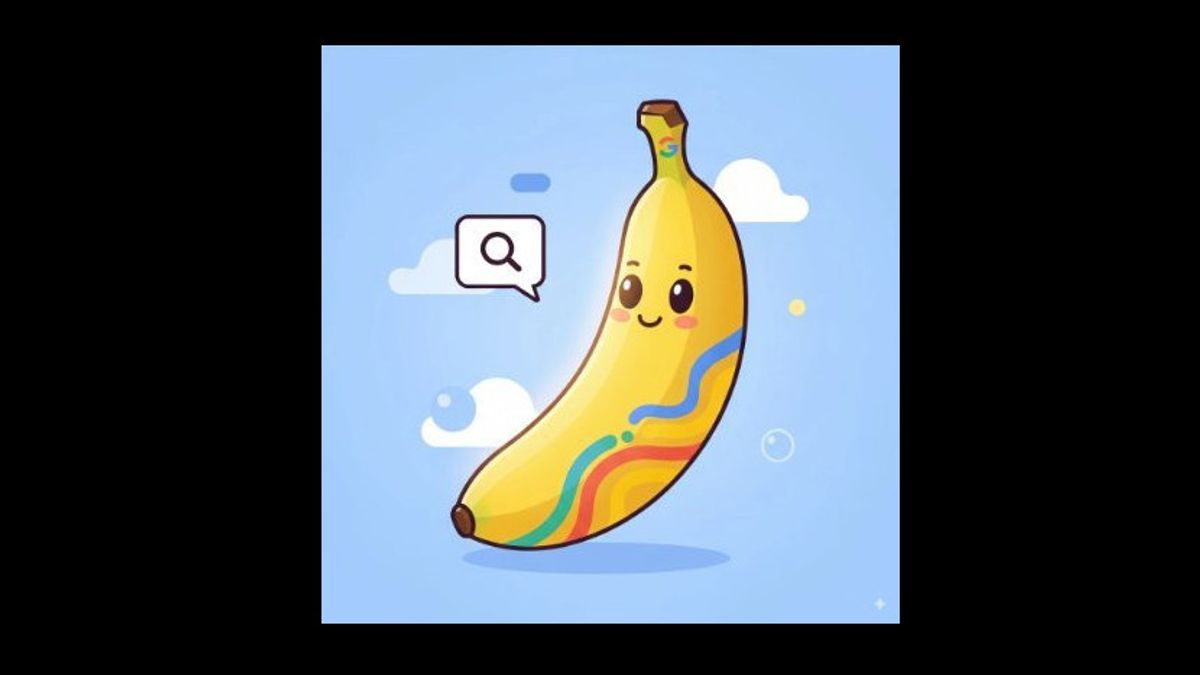


JAKARTA - Google seems to be testing a new feature that allows users to edit live images from the Gemini overlay via the "Edit this image" button. This feature uses the Nano Banana image AI model and allows users to edit text-based without having to exit the application they are currently in use.
According to the Android Authority report, the Edit this image option appears in the Google app version 16.42.61 and is only visible when the user adds an image while triggering Gemini over the app or other menus. When the button is pressed, the Nano Banana mode is active, allowing users to type the text command to edit images as desired.
For those who have used Nano Banana in the Gemini app, this process feels familiar: just type, and AI will customize the image naturally. However, this feature is not yet widely available Many users still see old options such as Share Screen With Live or when activating Gemini.
SEE ALSO:
-
 | TEKNOLOGI
Google Fi Tambahkan Teknologi AI untuk Tingkatkan Jaringan dan Pengalaman Pengguna
23 Oktober 2025, 14:31 -
 | TEKNOLOGI
Nano Banana Hadir di Google Lens dan Mode AI untuk Pengguna Indonesia
23 Oktober 2025, 14:09

Google seems ambitious to embed Nano Banana in almost its entire ecosystem. Previously, the ability to edit images with this model had been tested on Google Lens, NotebookLM, AI Mode, and even Google Photos. The goal is clear: to make Nano Banana the backbone of visual editing in all Google products.
In addition to the editing feature, Google is also testing a new option called Feeling Lucky in Nano Banana. It's not clear what its function is, but it is suspected that it will allow users to auto-edit trending' like a lucky button for AI image creators.
With this step, Google doesn't seem to want to miss Nano Banana's successful momentum which was launched last August. Integration to Gemini overlay only confirms one thing: Google wants to make image editing with AI as easy as typing messages on the phone screen.
The English, Chinese, Japanese, Arabic, and French versions are automatically generated by the AI. So there may still be inaccuracies in translating, please always see Indonesian as our main language. (system supported by DigitalSiber.id)


