

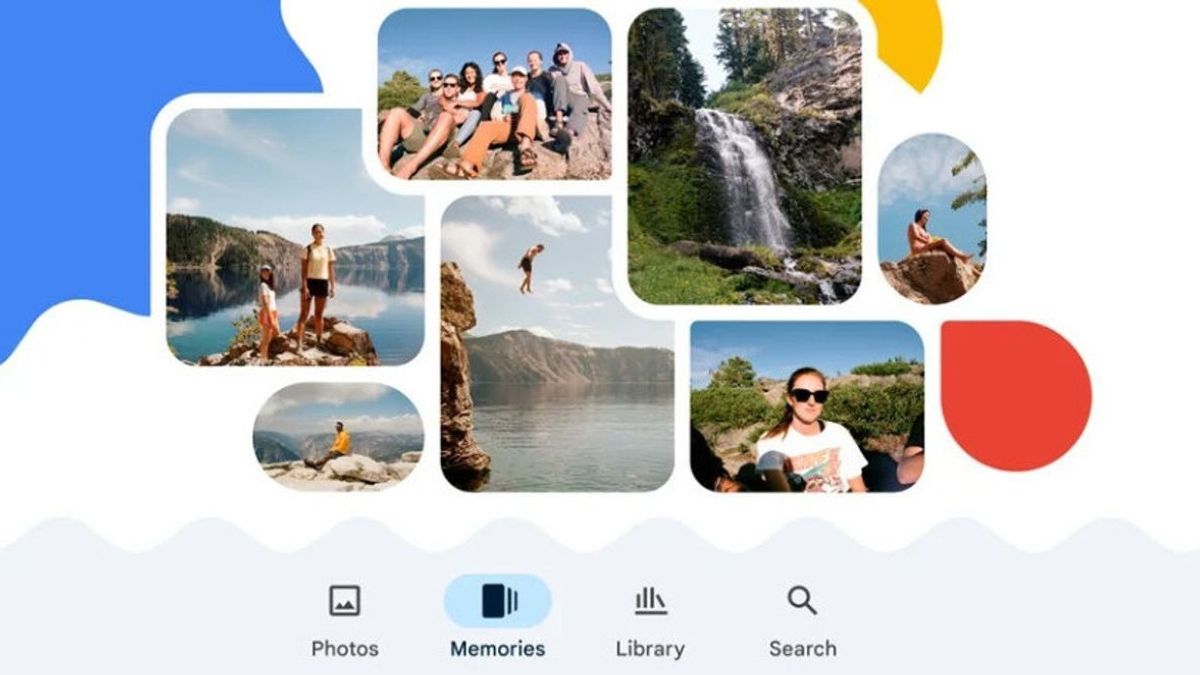


JAKARTA Google Photos is a place to store photos and videos, but backups are still needed. You can back up all the files in it through the Google Takeout service.
This method is the simplest solution because you don't need to use third-party tools. To start the backup process, users only need to open a web browser and visit the official takeout.google.com page.
On the page, the user must first click Cancel All Choices to delete other Google app options. Next, the user only needs to scroll down and check the box next to Google Photos as the only data they want to export.
Users can select certain albums, but if you want to download the entire collection, you can leave the option on All photo albums selected. After that, scroll down and select the next Step.
In the next step, users need to select the file delivery method. The easiest option is to select Send download link via email which is recommended for this backup process. Users can also choose the export frequency.
The last step is to select the type and size of the file to be exported. It is recommended to use the file type .zip because it is more common and easy to extract. Google will divide the export results into multiple files based on the selected size.
SEE ALSO:
-
 | TEKNOLOGI
HONOR Bagikan Bocoran Soal Perangkat Robot Phone Barunya Tahun Depan
16 Oktober 2025, 15:35 -
 | TEKNOLOGI
Implementasi AI dan Keamanan Data, Mana yang Harus Jadi Prioritas?
16 Oktober 2025, 17:05


After all the settings are complete, click Create exports and Google will start preparing your data archives. This process can take time, from a few hours to a few days, depending on the total size of the photo and video collections.
After the archive is complete, the user will receive an email with your Google Data subject ready to download. The email contains a link that the user must click on to download all the .zip files to the computer.
After the download is complete, users can extract the .zip file to their hard drive. Later, photos and videos will be neatly arranged in a folder set by year and month according to the date of taking it.
The English, Chinese, Japanese, Arabic, and French versions are automatically generated by the AI. So there may still be inaccuracies in translating, please always see Indonesian as our main language. (system supported by DigitalSiber.id)
Most Popular Tags
#Prabowo Subianto #donald trump #firearm #8791 #giias 2026Popular


