
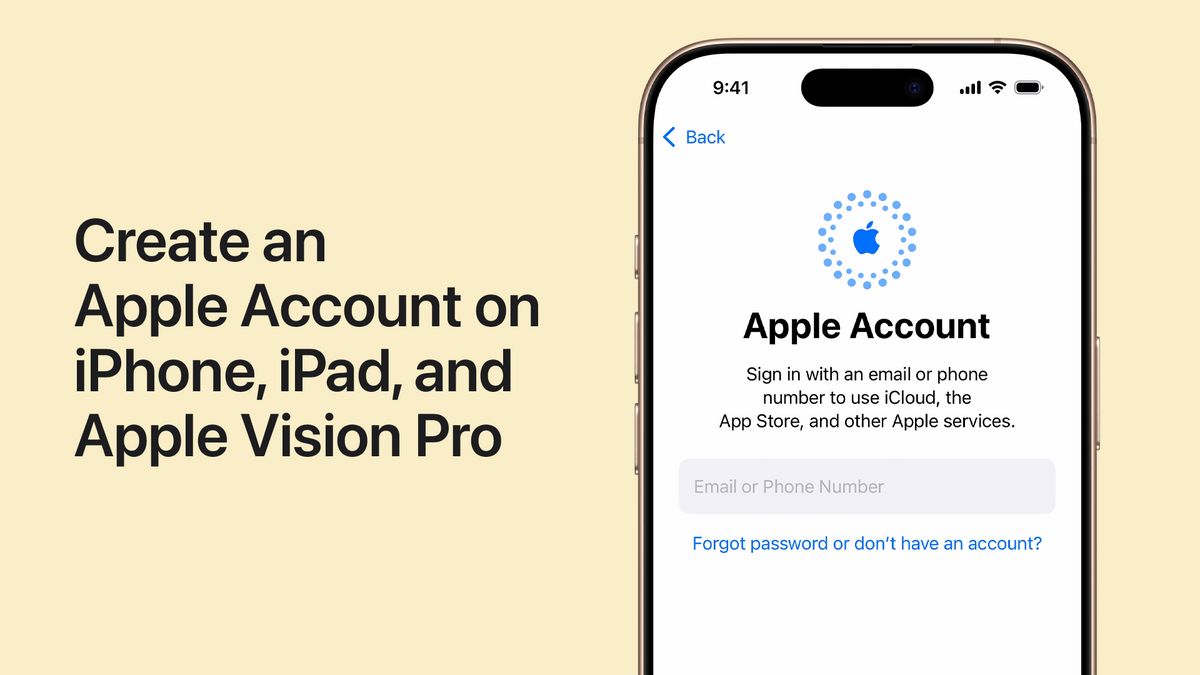


JAKARTA - For users who really want to delete an Apple account previously known as Apple ID Apple provides the option to do it officially and permanently. This step can be taken if users want to completely quit the Apple ecosystem, or simply delete double accounts that are no longer used. However, this process has grave consequences that must be known before going any further.
Apple is known to have high standards in terms of user privacy. Deleting Apple accounts means all data and connected services will be deleted as well. Once the account is deleted, users can no longer log into any services associated with Apple, such as the App Store, iTunes, iMessage, Apple Pay, or iCloud.
All personal data stored on Apple servers, such as photos, videos, documents, or iCloud reserves, will be permanently deleted. A meeting agreement on the Apple Store and AppleCare support cases will also be canceled, even if ongoing orders or repairs are still being processed.
SEE ALSO:
-
 | TEKNOLOGI
India Izinkan Autentikasi Biometrik untuk Sistem Pembayaran Digital
07 Oktober 2025, 20:05 -
 | TEKNOLOGI
OPPO A6 Pro Series Hadir di Indonesia, Bisa Jadi Powerbank dengan Baterai Jumbo
07 Oktober 2025, 19:35 -
 | TEKNOLOGI
Ekspansi Gratis Assassin’s Creed Mirage: Valley of Memory akan Dirilis 18 November
07 Oktober 2025, 18:35 -
 | TEKNOLOGI
Gandeng RRQ, Indosat Gelar Turnamen Esports H3RO Land Dream Battle 2.0
07 Oktober 2025, 18:05

In addition, all subscriptions connected to the account will automatically be canceled at the end of the bill cycle. However, payments for certain programs such as the iPhone Upgrade Program are still running.
Apple insists that this deletion process is permanent. Once the account is deleted, there is no way to recover the data or reactivate the account. Even so, some transaction data may still be stored for legal purposes and financial reporting.
Before deleting an Apple account, there were several important steps recommended by Apple to avoid losing important data:
Share all iCloud data. Make sure photos, videos, and documents have been downloaded or copied to local devices.
Download DRM-free content. Songs, movies, or music from iTunes that don't have digital copyright protection should be downloaded first.
Check active subscriptions. Review the subscription list to ensure no important services are deleted as well.
Log out of all devices. Once the account is deleted, you can no longer exit iCloud or disable the 'Find My' feature, which can cause the device to be permanently locked.
Here are official steps from Apple to delete your account:
Enter the privacy.apple.com site using your Apple ID.
Verify two-factor authentication if requested.
In the 'Delete Your Account' section, select 'Request to delete your account'.
Select the account deletion reason from the available list, then click Continue (Continue).
Read the account deletion consequence list, then click Continue.
Agree to the terms and conditions by checking the box provided, then click Continue.
Choose a way to receive a deletion status update (email, phone number, or other Apple account).
Note the access code (access code) provided by Apple, then click Continue.
Enter the access code again for verification, and click Continue.
After the last warning appears about the consequences of the removal, click 'Delete Account' and 'Sign Out.'
The deletion process is not completed immediately. Apple will verify this request, and the process can take up to seven days. During that period, the account is still active and can be canceled if you contact Apple's support by bringing the given access code.
For those who are not ready to permanently lose their data, Apple also provides a temporary account deactivation option. In this mode, the account and all data will be locked, but not deleted. This means that users can reactivate it at any time by entering the access code provided during the deactivation process.
The measures are almost the same as the deletion process, only on privacy.apple.com sites, users must select Request to deactivation your account. After following similar stages including noting and confirming the account access code will be suspended within a few days.
If one day the user wants to reuse the account, simply contact Apple's support and provide a previously saved access code.
Deleting an Apple account is not a small decision, as all data, purchasing, and service access will be lost forever. If you are still in doubt, the temporary deactivation option could be a safer alternative. But if your intention is to really get out of Apple's ecosystem, the above guidance will take you through the process safely and officially.
The English, Chinese, Japanese, Arabic, and French versions are automatically generated by the AI. So there may still be inaccuracies in translating, please always see Indonesian as our main language. (system supported by DigitalSiber.id)
Most Popular Tags
#Prabowo Subianto #donald trump #2026 World Cup #Febrie Adriansyah #8791Popular


