

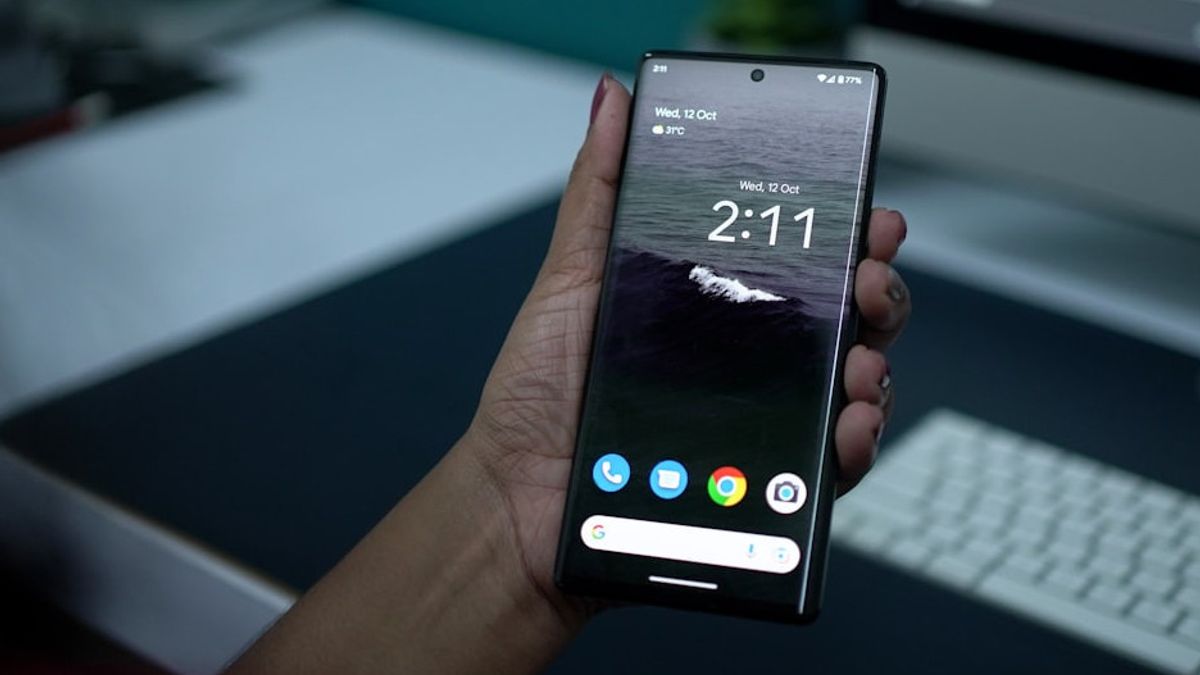


JAKARTA The incoming phone calls can constantly annoy you. Usually, when this happens, you decide to block the number to end the annoyance.
This is the right move, but it can be misused. If you block someone's number accidentally, you may want to reopen the block, but don't know which features need to be accessed.
If you use Android phones like Google Pixel or Samsung, there are a number of steps you can take to check the blocked number list. Here are two ways you can do, citing from Android Police.
Using Phone App
If you often block numbers via the Phone app, you can revisit the block list through the application. Here are the steps you can take to see a list of blocked numbers.
SEE ALSO:
-
 | TEKNOLOGI
Masalah Teratasi, Grok Tak Akan Sebut Dirinya Sebagai 'MechaHitler' Lagi
16 Juli 2025, 10:35



Using Samsung Phone App
Jiika You are a Samsung Galaxy user, the appearance of the Phone application is a little different from other devices. Here's how to check blocked numbers from Samsung Galaxy phones using the Phone app.
The English, Chinese, Japanese, Arabic, and French versions are automatically generated by the AI. So there may still be inaccuracies in translating, please always see Indonesian as our main language. (system supported by DigitalSiber.id)
Most Popular Tags
#Prabowo Subianto #donald trump #Febrie Adriansyah #8791 #giias 2026Popular


