

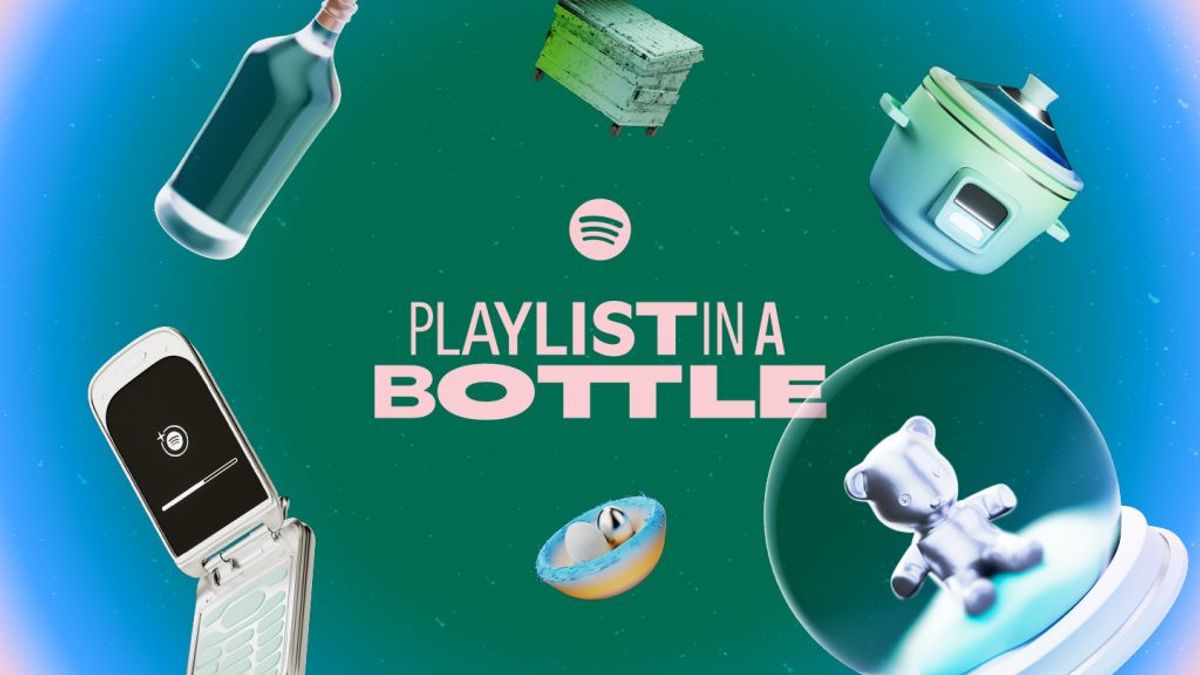


JAKARTA Spotify has two annual features that users are looking forward to. In addition to the Wrapped feature launched every year at the end, Spotify also has the Playlist in a Bottle feature.
A year ago, users were asked to enter their favorite music list. After being saved for a year, now users can access the feature and see what songs they saved on the music streaming platform.
How to open the feature is quite easy. Users only need to open the Spotify application on mobile or desktop devices, then search for Playlist in a Bottle on the search page. This feature will appear at the top and users can click it right away.
If the feature is not displayed, users can open Playlist in a Bottle via a website. Here's how to open the feature through a browser on mobile or desktop devices.
SEE ALSO:
-
 | TEKNOLOGI
Kritisi Nilai dan Kebijakan, Lebih dari 60 Universitas Jerman Tinggalkan Platform X
12 Januari 2025, 11:39 -
 | TEKNOLOGI
Tim Robotika Kembali, OpenAI Rekrut Insinyur untuk Kembangkan Robot Canggih
12 Januari 2025, 11:34 -
 | TEKNOLOGI
POCO X7 Series Sudah Dirilis Global, Siap Hadir di Indonesia Harga Mulai 4 Jutaan
12 Januari 2025, 09:27

Spotify says that this feature will only be available until January 31st so users are asked to open the feature before the deadline. Users will see the three categories of music they put in last year.
The three categories are Music You Will Play for Aliens If They Visit Earth, A Song You Need To Listen To Lively In 2024, And A Song You Want To Take To Desert Island.
The English, Chinese, Japanese, Arabic, and French versions are automatically generated by the AI. So there may still be inaccuracies in translating, please always see Indonesian as our main language. (system supported by DigitalSiber.id)


