
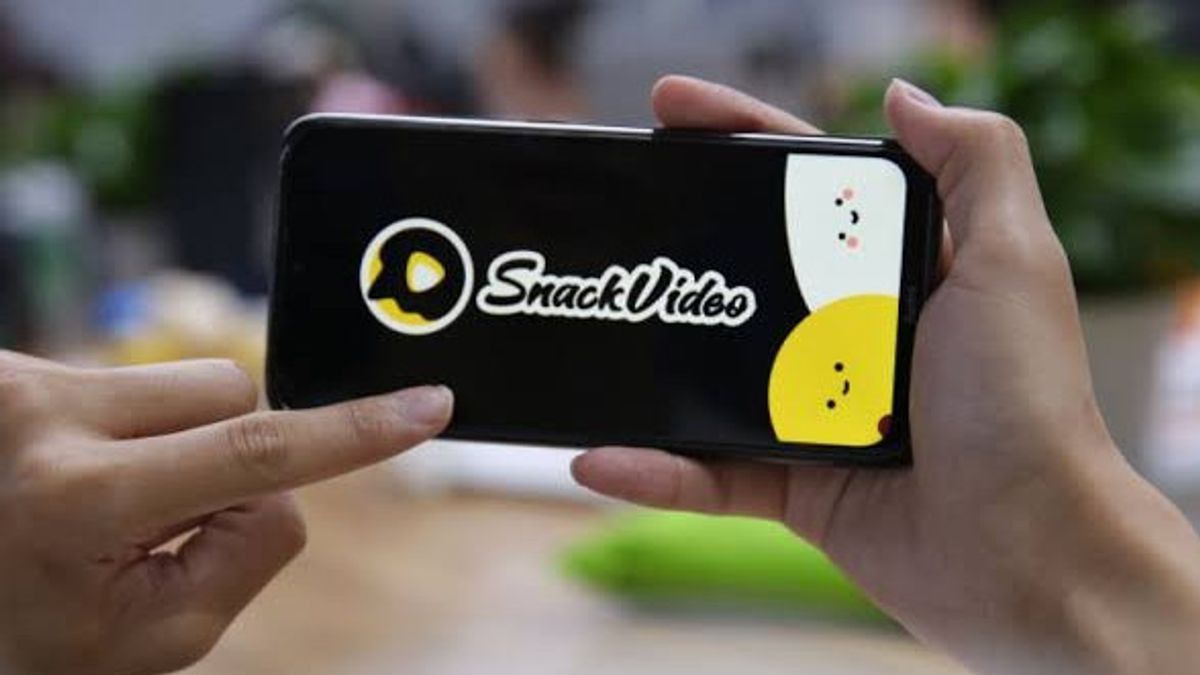


YOGYAKARTA Snack Video users are sometimes confused by the video deletion feature uploaded on the platform. This happens because the delete button on Snack Video is not directly visible to users. No wonder users are sometimes confused by how to delete content on Snack Video. No need to worry because there are two ways to delete videos on Snack Video, namely through the profile. Check out the following explanation.
To delete videos that have already been uploaded on Snack Video, you can follow one of the following ways.
Video post on SnackVideo Private can actually only be seen by the account owner. However, sometimes users want to delete the video. To be deleted, here are the procedures.
SEE ALSO:
-
 | TEKNOLOGI
BRIN Targetkan Kelahiran 4.000 Talenta Iptek per 1 Juta Penduduk pada 2045
31 Oktober 2025, 11:35 -
 | TEKNOLOGI
Gara-Gara Epic Games, Google Akhirnya Bongkar Monopolinya Sendiri
31 Oktober 2025, 11:05 -
 | TEKNOLOGI
Pemerintah Indonesia dan Inggris Bangun Kolaborasi di Bidang Keamanan Siber
31 Oktober 2025, 10:32 -
 | TEKNOLOGI
Samsung Siapkan Inovasi Besar untuk 2026: Era Ponsel Lipat Tiga Layar Segera Dimulai?
31 Oktober 2025, 10:05 -
 | TEKNOLOGI
Kaspersky Ungkap APT ‘Mysterious Elephant’ Targetkan Pemerintah Asia Pasifik
31 Oktober 2025, 09:31
Video deletion on Snack Video can indeed be done through the 'Download' menu. This can happen because the interface design of the application is different from other applications. To remove video, check out the procedures below.
The button to delete videos in the Snack Video application can be found when the user presses the Share menu. For those of you who want to delete it, follow the following procedure.
Those are some ways to delete videos on Snack Video. Visit VOI.id to get more interesting information.
The English, Chinese, Japanese, Arabic, and French versions are automatically generated by the AI. So there may still be inaccuracies in translating, please always see Indonesian as our main language. (system supported by DigitalSiber.id)


