

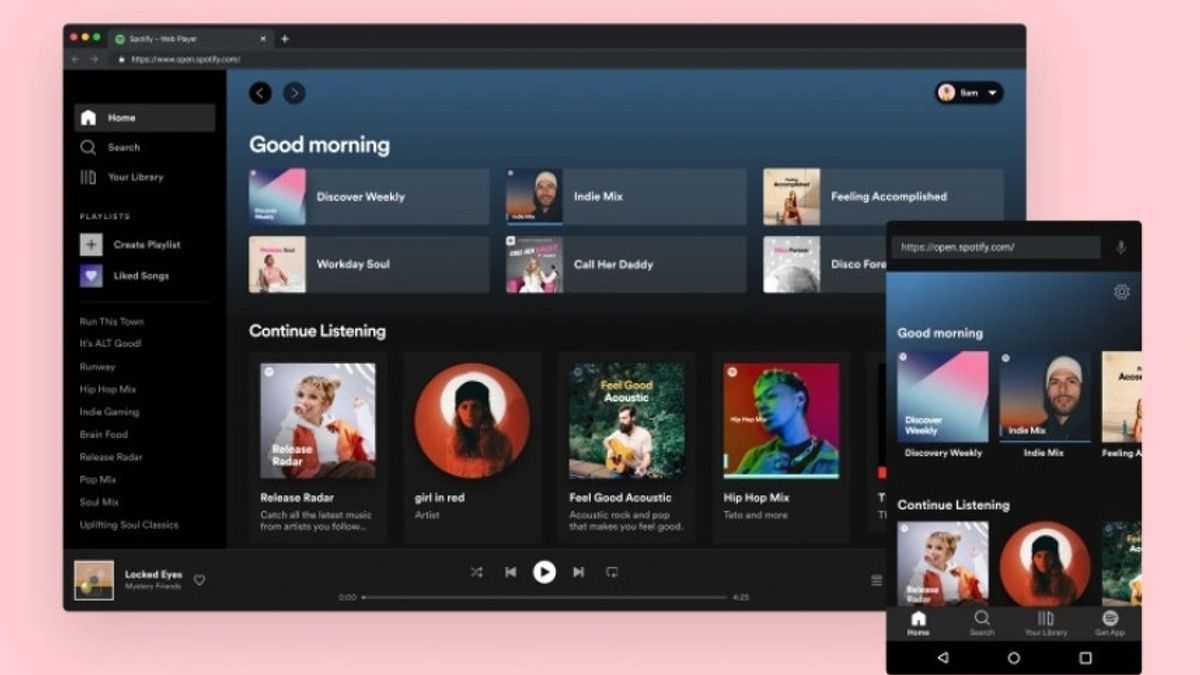


JAKARTA After waiting for several years, Spotify has finally brought the Lossless audio streaming feature to its platform. With this feature, users can listen to the best audio songs.
Lossless is the highest sound quality the music streaming platform offers. If you are interested in using it, this feature can be activated within seconds. Here's how to activate it, launching from How to Geek.
How To Enable Lossless In Mobile Apps
Any device you use, both iOS and Android, will remain the same as long as you use the app. Here are the steps to enable lossless streaming via the Spotify mobile app.
After selecting Lossless, Spotify will display a warning regarding the use of higher data. You just need to tap the Lossless Activate button to confirm the option.
Apart from streaming, you also need to set the download quality for the best listening experience. The trick, scroll down the screen to the Quality of downloads, then set Audio Download Quality to Lossless.
SEE ALSO:
-
 | TEKNOLOGI
Halo: Campaign Evolved akan Dirilis 2026, Remake Penuh dengan Visual 4K Baru
26 Oktober 2025, 18:15 -
 | TEKNOLOGI
Fallout 4: Anniversary Edition akan Dirilis 10 November di Semua Platform
26 Oktober 2025, 19:50 -
 | TEKNOLOGI
Foxconn Akan Gandakan Produksi AirPods di India, Tenaga Kerja Naik Dua Kali Lipat
27 Oktober 2025, 02:05

How To Enable Lossless On Desktop Apps
If you want to enable the Lossless Spotify feature on desktop, it should be noted that you need to have a genuine app. The reason is, this feature is not available for audio playback on the Spotify web. To enable the feature, you can do this.
The English, Chinese, Japanese, Arabic, and French versions are automatically generated by the AI. So there may still be inaccuracies in translating, please always see Indonesian as our main language. (system supported by DigitalSiber.id)
Most Popular Tags
#Prabowo Subianto #donald trump #firearm #8791 #giias 2026Popular


