

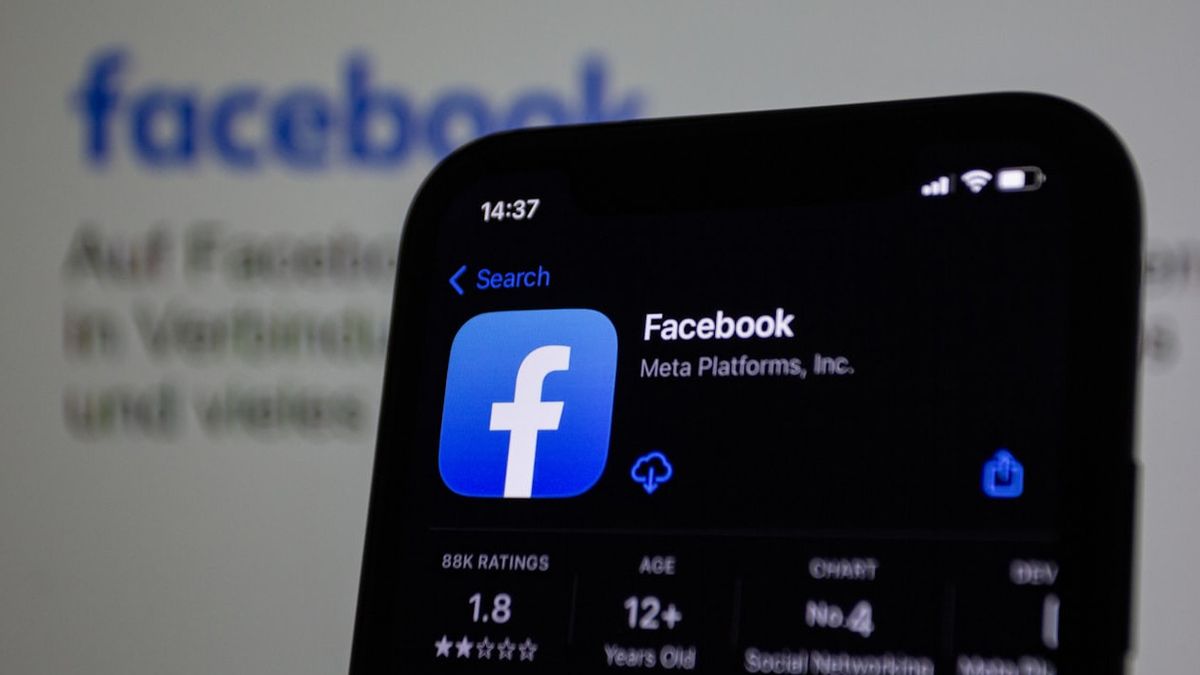


JAKARTA There are many ways you can get help from Facebook. Users can contact Facebook by telephone, email, or even live social media.
Although you can be contacted via Facebook, contacting Facebook support over the phone is almost impossible. You can call +1 650-543-4800, but this number only plays recorded messages and directs users to the Help Center website.
You can try sending an email to Facebook, although there is no guarantee you will get a reply. The email addresses you can call include support @fb.com or [email protected].
Using social media, such as X (formerly Twitter), can also be an option. You can send tweets to official Facebook accounts, such as @Facebook or @Meta. This method can be effective in attracting their attention, especially for urgent issues.
How To Get Help Through Applications And Web Sites
To get Facebook assistance, you can use the Help and Support menu on the Facebook platform. This menu can be accessed both via desktop and smartphone applications. This feature offers various options to solve the problems you face.
On desktop, you can find the menu by clicking on your profile icon in the upper right corner. After that, select 'Help & Support' from the menu that appears. This option will open various help options.
SEE ALSO:
-
 | BERITA
Serangan Siber Bikin Kacau Jadwal Penerbangan Bandara Heathrow hingga Berlin
20 September 2025, 15:13



For smartphone users, this menu can be accessed from the horizontal three-line icon. After that, scroll down and tap the 'Aid and Support' option. In this menu, you can access the Help Center which contains full guides.
You can also see a response from a previous report on the Support Inbox or Report a Problem if there is a bug. By leveraging these options, users can find a solution to almost all of their questions.
The English, Chinese, Japanese, Arabic, and French versions are automatically generated by the AI. So there may still be inaccuracies in translating, please always see Indonesian as our main language. (system supported by DigitalSiber.id)
Most Popular Tags
#Prabowo Subianto #donald trump #firearm #8791 #giias 2026Popular


