

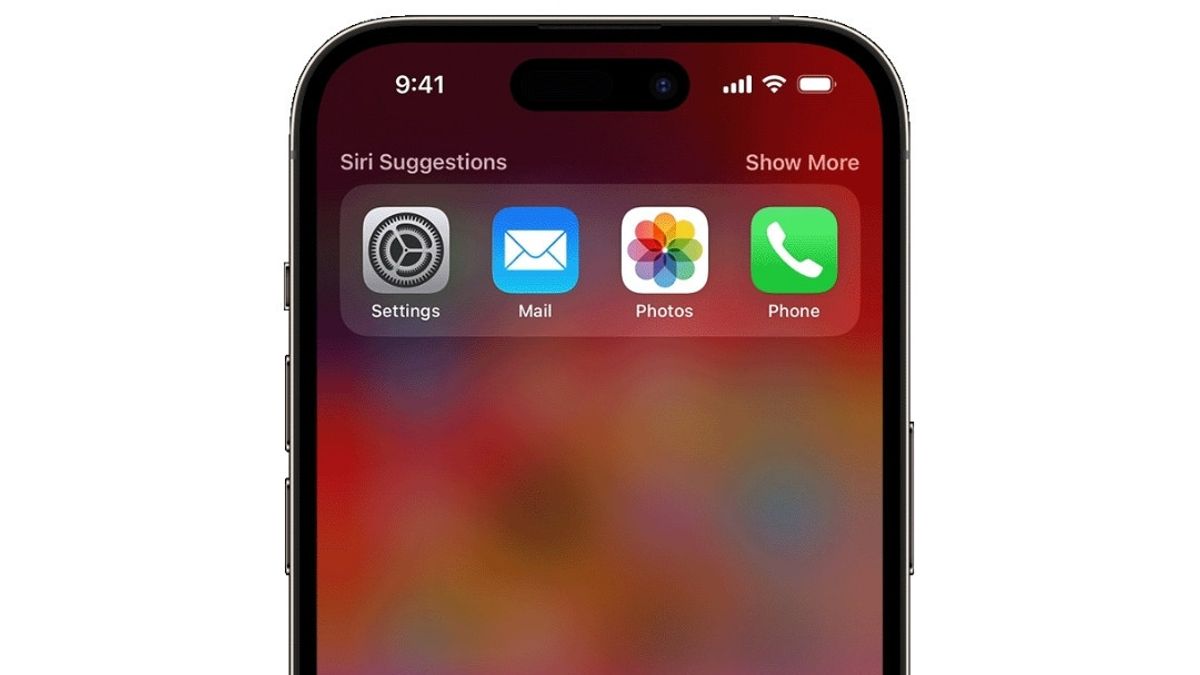


JAKARTA For iPhone users, the search bar is a tool commonly used to find applications. However, many do not realize that this feature has much more advanced capabilities.
This search bar is known as Spotlight. In addition to opening the app, Spotlight can be used to save time when installing new apps from the App Store. Users only need to type the app name, then tap the Get button next to it.
Spotlight can also be used to help users manage the clock feature. Instead of looking for the Jam application, users can immediately type the Clock in the search bar. After that, select options such as Set Timer or Add Alarm that appear in the search results.
Not only that, Spotlight can also act as an instant calculator. Users can type in basic math questions and Spotlight will immediately display the answer. This makes it easier for users to do quick counting without opening the Calculator.
SEE ALSO:
-
 | TEKNOLOGI
Bosch Perluas Kemitraan dengan Alibaba Group untuk Dorong Inovasi Digital Berbasis AI
02 September 2025, 16:05 -
 | TEKNOLOGI
Mirip Instagram, WhatsApp Akan Rilis Fitur Teman Dekat di Status
02 September 2025, 15:05 -
 | TEKNOLOGI
Survei SellCell: 68,3 Persen Pengguna iPhone di AS Tertarik Membeli Seri iPhone 17
02 September 2025, 17:06 -
 | TEKNOLOGI
Baru Rilis, Pengguna Pixel 10 Sudah Keluhkan Masalah 'Glitch' di Layar
02 September 2025, 13:35
Spotlight also functions as a fast conversion tool. Users can convert currencies or other units such as centimeters to inches directly by typing them in the search bar.
In addition, this search bar is also useful for searching for photos. Users can type in keywords such as mountains or babies to find specific photos. Search results will appear without the need to open the Photo application.
Photo search via Spotlight also allows users to search by date, image type, or location. This provides more options to find photos stored in the gallery.
After finding the desired image, the user can press the image. Later, the Copy option will appear and the user can copy the image and paste the image into another application.
The English, Chinese, Japanese, Arabic, and French versions are automatically generated by the AI. So there may still be inaccuracies in translating, please always see Indonesian as our main language. (system supported by DigitalSiber.id)
Most Popular Tags
#Prabowo Subianto #donald trump #firearm #8791 #giias 2026Popular


