

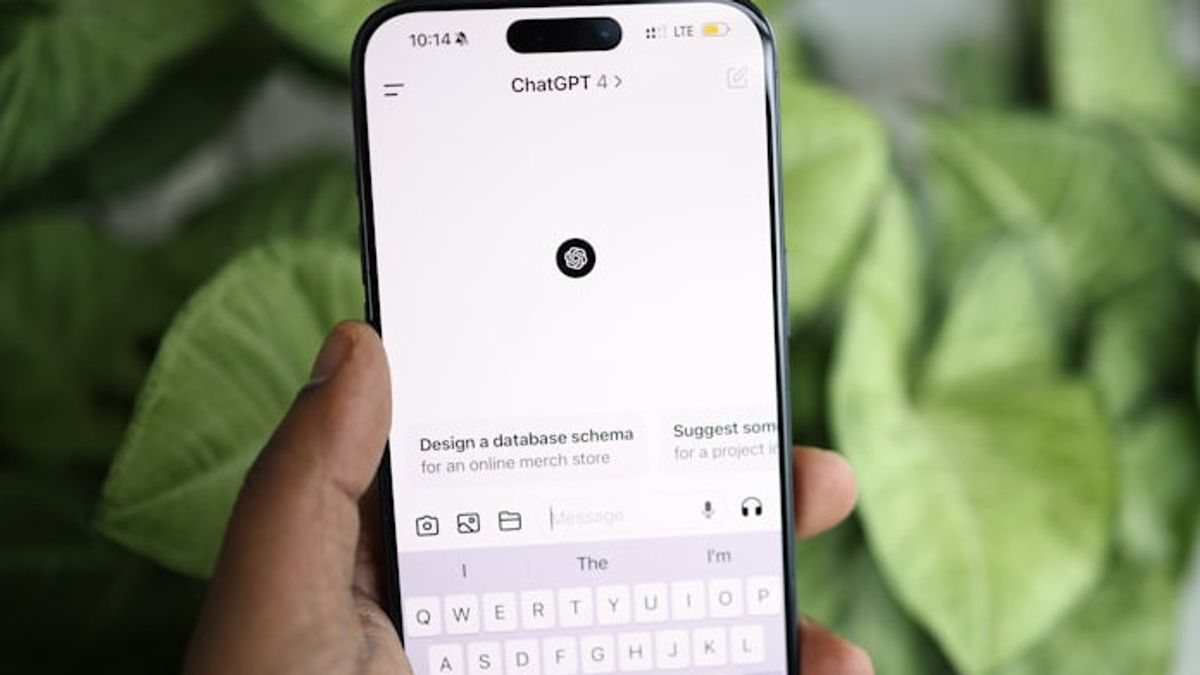


JAKARTA ChatGPT is connected across devices, from cell phones to computers. If you often use ChatGPT, your activity will be visible through the sidebar showing the chat.
If you want to reduce storage data or eliminate all evidence of activity on ChatGPT, you can delete the conversation history. Here are some things you need to know to remove chat riyawat ChatGPT, citing from Android Police.
Benefits of Deleting Chat History
If you often use ChatGPT to summarize or develop ideas from confidential data, you should often delete chat gatherings in these chatbots. This needs to be done to avoid unauthorized access.
By deleting chat history, all data will be deleted from the system so that your data security can be more secure. OpenAI also promises to delete user data on their system within 30 days if it is deleted by its users.
If you want to completely remove data, deleting chat history will be a pretty good alternative. Fortunately, deleting chat history on ChatGPT is easy to do.
SEE ALSO:
-
 | TEKNOLOGI
Bantah Gunakan Data Pengguna AS di China, TikTok Tegaskan Perlindungan Data Platformnya
10 Februari 2025, 12:35 -
 | TEKNOLOGI
Kaspersky Temukan Trojan Pencuri Kripto Baru di AppStore dan Google Play
10 Februari 2025, 09:32 -
 | TEKNOLOGI
Bakal Jadi Perangkat Canggih, Apple Kembangkan Prototipe AirPods dengan Kamera
10 Februari 2025, 13:30

How To Delete ChatGPT Chat History
You can delete the chat history of the AI model on desktop or on mobile. If you are a loyal ChatGPT user on desktop, you can open the ChatGPT website and take the following steps.
The stage of deleting ChatGPT chat history in mobile applications is also not difficult. Make sure you have entered a ChatGPT account into the application, then take the following steps.
The English, Chinese, Japanese, Arabic, and French versions are automatically generated by the AI. So there may still be inaccuracies in translating, please always see Indonesian as our main language. (system supported by DigitalSiber.id)
Most Popular Tags
#Prabowo Subianto #donald trump #2026 World Cup #Febrie Adriansyah #8791Popular


