



JAKARTA - In iOS 26, users still can't add custom ringtones easily. However, users can still use their favorite songs as ringtones for free.
To set the ringtone custom, users only need the GarageBand app or a Mac device to change the audio file. Here's how to add the desired song as a ringtone, launching from Apple Insider.
Use Free Apps on the App Store
Before using one of these methods, make sure that the duration of the audio file is no more than 40 seconds so that the iOS system can recognize the file. Next, download the GarageBand app for free on the App Store.
After it's installed, import audio files into a new project, then cut the most liked part of the song to be used as a ringtone. Be sure to name the music project you created before exporting the file.
If the project is not named, the 'Share' option will not appear. Later, you will not be able to select the 'Ringtone' menu to save.
Use Mac Manually
For users who are more accustomed to working on a computer, a Mac device can be a very reliable alternative solution. You just need to change the audio file extension from .m4a to .m4r before moving it to your phone.
Once the file is changed, connect the iPhone to the Mac and hold down while dragging the file to the 'Ringtones' section in the Finder. This method is similar to the iTunes era, but the results are stable and rarely experience system failures.
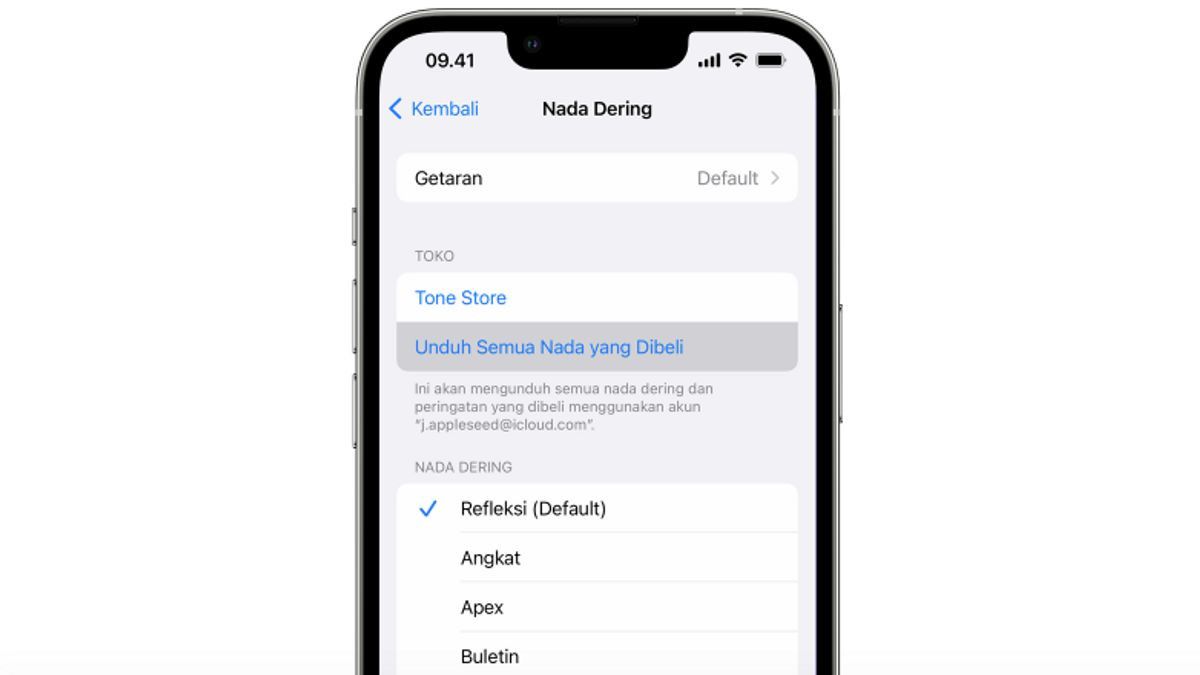
To activate the ringtone, open the Settings menu and select the Sounds and Haptics section on the phone. The custom ringtone that has been created will automatically appear at the top of the list so that it can be selected immediately.
Keep in mind that these custom ringtones will not be automatically synchronized through the iCloud service to other devices. In addition, the removal of old ringtones can only be done by connecting the phone back to a Mac computer.
The English, Chinese, Japanese, Arabic, and French versions are automatically generated by the AI. So there may still be inaccuracies in translating, please always see Indonesian as our main language. (system supported by DigitalSiber.id)


