

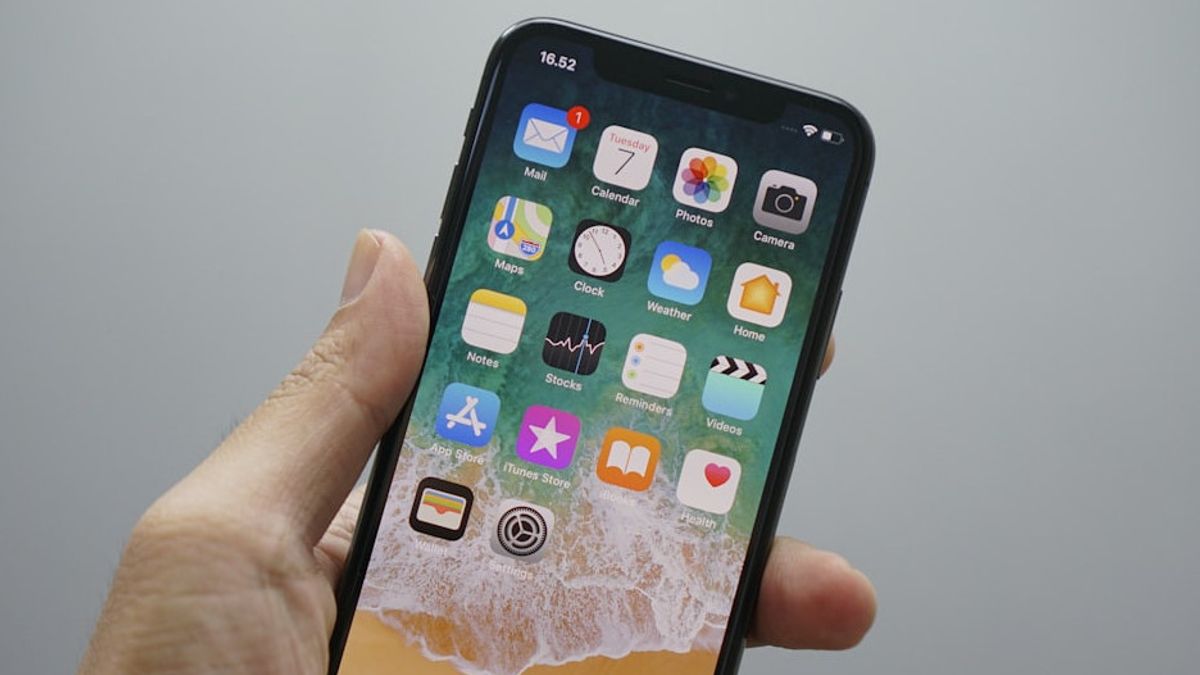


JAKARTA Like most phones, iPhones also provide the option to block unwanted people's numbers. However, after blocking, you may be confused about where the list is.
To view the complete list of blocked numbers, you can use the Settings app or other default apps. Here are various ways to view the blocked number list, according to How to Geek.
Through the Phone App
To view blocked numbers via the Phone App settings, you must open the Settings app on iPhone first. Scroll to the bottom of the screen, then tap 'Applications' and select the 'call' option from the list provided.
On the Phone page, you need to scroll down the screen until you find the Blocked Contact menu. Once taped, the menu will display all the numbers you have blocked.
You can also tap the 'Unknown' section on the same page. This feature will display automatically blocked numbers from unknown callers.
SEE ALSO:
-
 | TEKNOLOGI
Spotify Hadirkan Podcast dan Video Musik di Versi Aplikasi Terbaru untuk Apple TV
28 Oktober 2025, 18:35 -
 | TEKNOLOGI
OPPO dan Google Berkolaborasi dalam Tingkatkan Fungsi AI di Find X9 Series
28 Oktober 2025, 09:35 -
 | TEKNOLOGI
Pasar Kripto Menguat, Suku Bunga The Fed jadi Penentu Arah Berikutnya
28 Oktober 2025, 16:35

Through the Convex Messages Application
Next, you can see a list of numbers that are blocked via Messages. The trick, you can open the Settings app, then scroll down the screen to tap the App. After that, select Message.
In the Text Messages section, search for and select Blocked Contacts option. This screen will display the exact same number list as the one you see via the Phone settings.
Through the FaceTime App
The last alternative is to check the list of numbers that are blocked via FaceTime. To do this, go to the Settings app on iPhone, scroll the screen to the bottom, then tap the App, and select FaceTime.
On the FaceTime page, scroll to the bottom of the screen and tap Blocked Contacts. The open screen will display a list of blocked numbers, similar to the list on the view of the block menu on Phones and Messages.
The English, Chinese, Japanese, Arabic, and French versions are automatically generated by the AI. So there may still be inaccuracies in translating, please always see Indonesian as our main language. (system supported by DigitalSiber.id)
Most Popular Tags
#Prabowo Subianto #donald trump #Febrie Adriansyah #8791 #giias 2026Popular


