

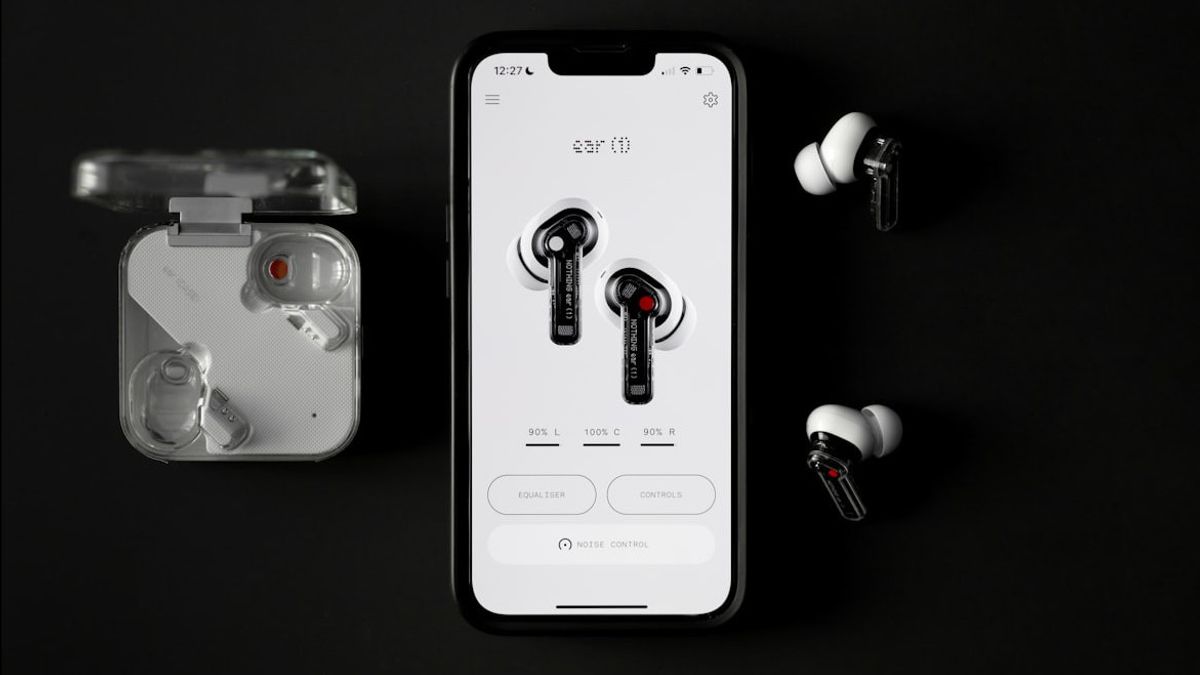


JAKARTA Apple devices with iOS and iPadOS systems have security features that can protect user hearing. This feature will limit users from over-noise exposure.
This feature will appear in the form of notifications if you listen to music above the volume limit which is considered safe. This notification will appear when users use various types of headphones, both wireless and cabled.
Although the goal is good, not all users like this notification. If you are disturbed by the warning notification, you can disable the feature at any time. Here's how to disable it, citing from 9to5mac.
Disable Headphone Volume Boundary Warning
The iOS and iPadOS system will track audio headphones exposure for seven days. If you have exceeded the safe limits during that period, you will receive a notification to lower the volume.
Deactivating the headphone volume limit notifications on iPhones and iPads is not difficult to do. Here are the steps you need to do.
SEE ALSO:
-
 | TEKNOLOGI
Apple Tanggapi Tuduhan Elon Musk Terkait Diskriminasi Aplikasi Grok di App Store
13 Agustus 2025, 10:30 -
 | TEKNOLOGI
Vivo V60 Resmi Meluncur dengan Baterai 6.500mAh dan Telefoto ZEISS 50MP
13 Agustus 2025, 11:05


In the same menu, you can disable the Loud Voice Reduce feature. By turning off this feature, iOS will not lower the playback volume automatically when too high sound is detected.
Once deactivated, you will stop receiving warnings about the high volume of headphones. Keep in mind that this feature is designed for long-term needs. Therefore, make sure to keep the duration of usage and volume limited while listening to songs.
The English, Chinese, Japanese, Arabic, and French versions are automatically generated by the AI. So there may still be inaccuracies in translating, please always see Indonesian as our main language. (system supported by DigitalSiber.id)
Most Popular Tags
#Prabowo Subianto #donald trump #Febrie Adriansyah #8791 #giias 2026Popular


