

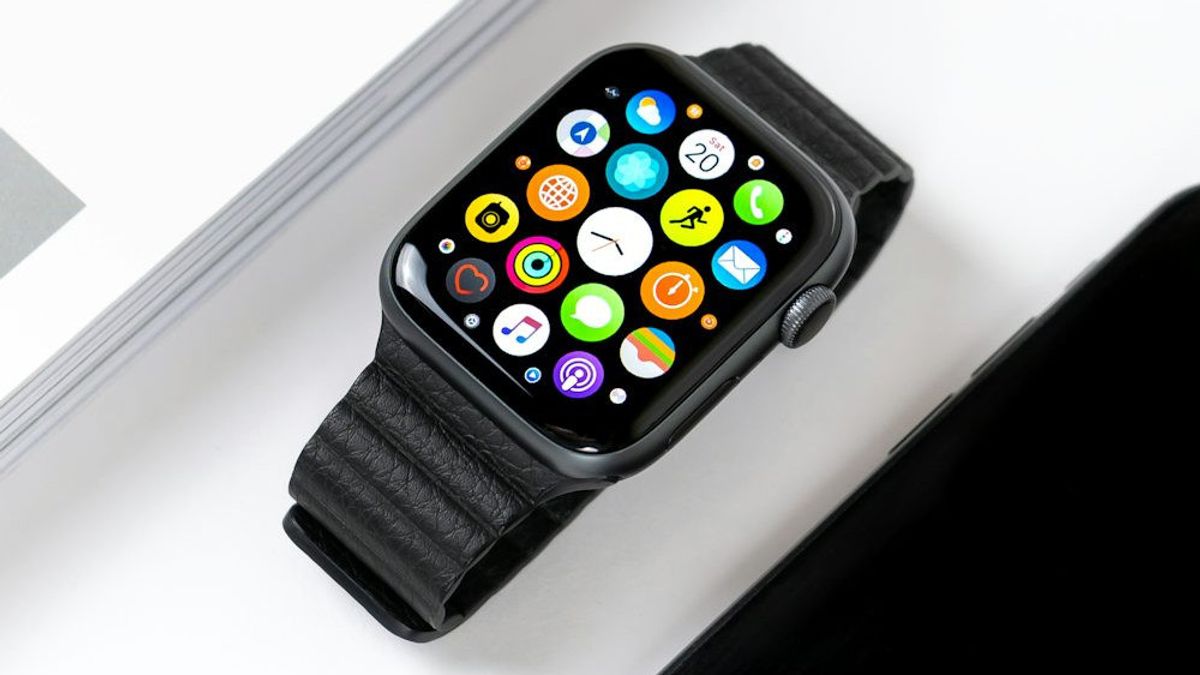


JAKARTA - Like on other Apple devices, you can also use AI Siri assistants on Apple Watch devices, to do things very easily.
Apple Watch is equipped with Siri's virtual assistant who allows users to do various things just by voice.
The following is a brief guide on how to use Siri on Apple Watch, including how to display text and delete its usage history.
How To Use Siri
You can give any commands, from looking for information, running applications, to translating languages, everything can be done directly from your wrist.
How To Show Siri Text
With this, all Siri responses will appear in the form of text on the screen. This will make it easier for you when you are in a crowd.
SEE ALSO:
-
 | TEKNOLOGI
Google Segera Perbaiki Celah Keamanan pada Fitur Autofill Password di Chrome
01 Agustus 2025, 11:05 -
 | TEKNOLOGI
Kaspersky Temukan Backdoor Baru Menargetkan Server Microsoft Exchange
01 Agustus 2025, 10:35 -
 | TEKNOLOGI
Global Anti-Scam Alliance Cabang Indonesia Diluncurkan, Siap Lawan Penipuan Digital
01 Agustus 2025, 16:35

How To Delete Siri History
This step is useful for maintaining privacy and deleting data stored temporarily by the system.
With a responsive voice capability, a clear text display, and full control over data history, Siri on Apple Watch is a practical tool for daily activities.
The English, Chinese, Japanese, Arabic, and French versions are automatically generated by the AI. So there may still be inaccuracies in translating, please always see Indonesian as our main language. (system supported by DigitalSiber.id)


