

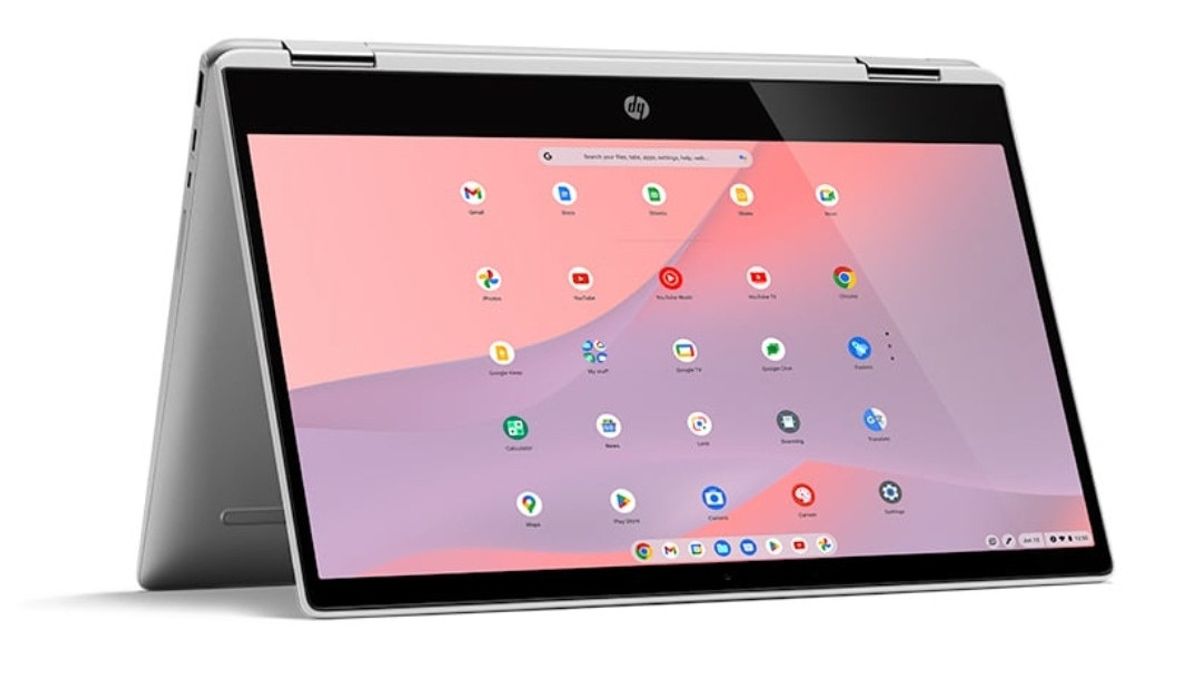


JAKARTA In celebrating Accessibility Awareness Day, a day to focus on digital access and inclusion for persons with disabilities, Google reveals various interesting features on Chromebooks.
These features are designed to support students with disabilities so they can access devices like their friends without problems. All the features that Google is announcing are already installed on the device and can be used immediately.
Chromebook Control With Face
This feature is very useful for students who cannot use their hands like children in general. Despite their limited movement, they can still control computers without the need to touch the mouse, trackpad, or keyboard.
If they activate the facial control feature, they can manage the screen display hands-free. They can use facial gestures to search for emails, view emails, or access other apps.
SEE ALSO:



Read Text in Delete Letter
Next, students who are visually impaired can also read text on screen using braille letters. To do this, users need ChromeVox, a screen reader in the form of sound.
In the coming weeks, users can read braille letters on the screen with the help of the tool. ChromeVox can be installed using USB or Bluetooth. Once installed, the tool will issue audio captions.
Special Reading Mode From Google
Chromebooks also provide features that can help students to read. This accessibility feature relies on a text-to-speech capability called Read Aloud. This feature can read anything on the screen in a natural voice.
The English, Chinese, Japanese, Arabic, and French versions are automatically generated by the AI. So there may still be inaccuracies in translating, please always see Indonesian as our main language. (system supported by DigitalSiber.id)


