
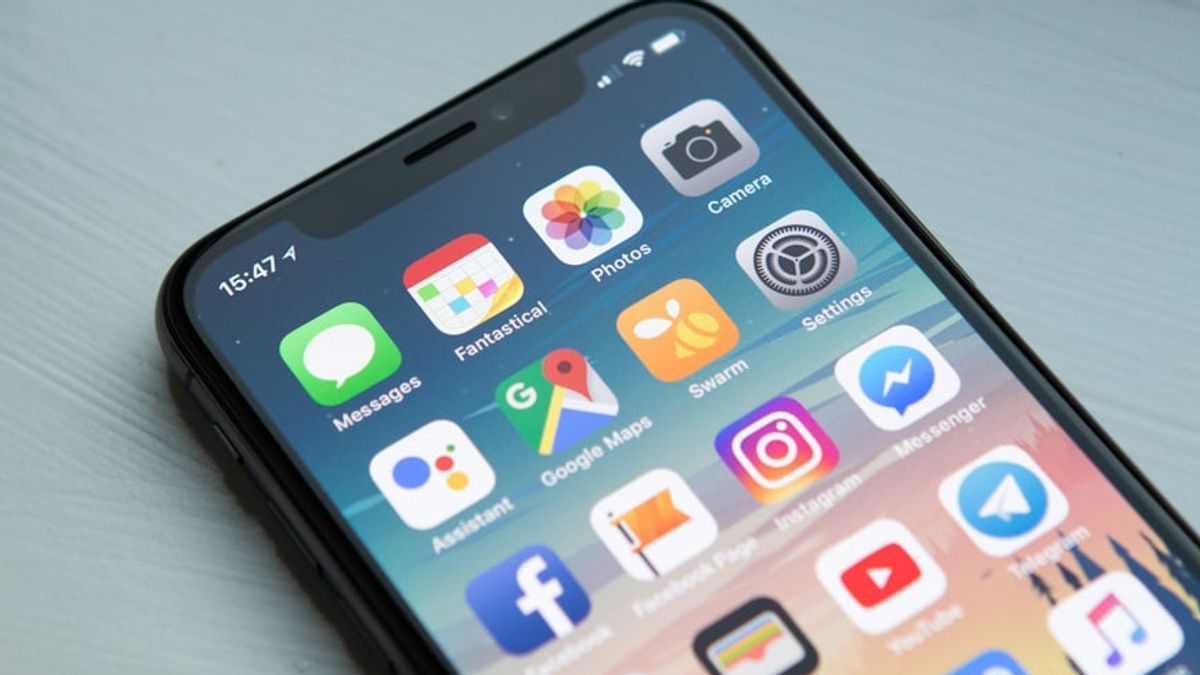


YOGYAKARTA - Some time ago, a netizen complained about the appearance of a pop-up SMS that appeared on his cellphone and was quite disturbing his activity. Message 0 class is a message that is received by a cellphone but does not have to enter the inbox.
The message was immediately shown on the phone screen. On the other hand, message 1 class must enter the inbox. So, can we address this problem? How to block SMS Pop Up in Android? Check out the review below.
Alfons Tanujaya, a cybersecurity expert from Vaksin.com, explained that SMS 0 or SMS flash messages will appear directly on mobile phones and not enter SMS inbox. Basically, he explained, this pop-up SMS can be used for urgent needs, such as earthquake warnings to immediately evacuate.
"However, these messages are sometimes used by providers to send advertisements or information that are considered by mobile phone users is not very important, thus disturbing. In addition, these SMS often interfere with other important applications that are being used on mobile phones," explained Alfons Tanujaya.
Alfons argues, mobile phone users who do not object can just let go and still receive the pop-up SMS. However, there are several ways that certain mobile phone provider users can use to block or turn off pop-up SMS.
A number of ways can be done by users of several cellphone providers to turn off SMS pop-ups.
Below are steps to stop SMS flash on Indosat phones:
This method can be done so that Indosat's promotional pop-up SMS does not reappear on the phone. As for you just do the opposite step if you want to unblock the SMS prop-up containing promotions or marketing from Indosat.
SEE ALSO:
-
 | TEKNOLOGI
Departemen Perdagangan AS Larang Penggunaan DeepSeek di Perangkat Karyawan
18 Maret 2025, 10:30 -
 | TEKNOLOGI
iPhone 16e Laris Manis! Penjualannya 60% Lebih Tinggi dari iPhone SE 3
18 Maret 2025, 10:05

Below is how to stop SMS pop-ups on Tri or 3:
Once this method is done, the pop-up SMS that appears on the Tri/3 operator phone will stop appearing.
Below is how to block pop-up SMS on Telkomsel operator phones:
In addition to independently disabling pop-up SMS, mobile phone users can request the message to be stopped by contacting the operator.
The trick is to screenshot/capture the received SMS pop-up screen. Next, send the image to the resm number or social media account of each operator. This step can also make the operator disable the pop-up SMS message received by the user.
That's the explanation of how to block SMS Pop Up in Android. Hopefully useful. Visit VOI to get other interesting information.
The English, Chinese, Japanese, Arabic, and French versions are automatically generated by the AI. So there may still be inaccuracies in translating, please always see Indonesian as our main language. (system supported by DigitalSiber.id)
Most Popular Tags
#Prabowo Subianto #donald trump #2026 World Cup #Febrie Adriansyah #8791Popular


