
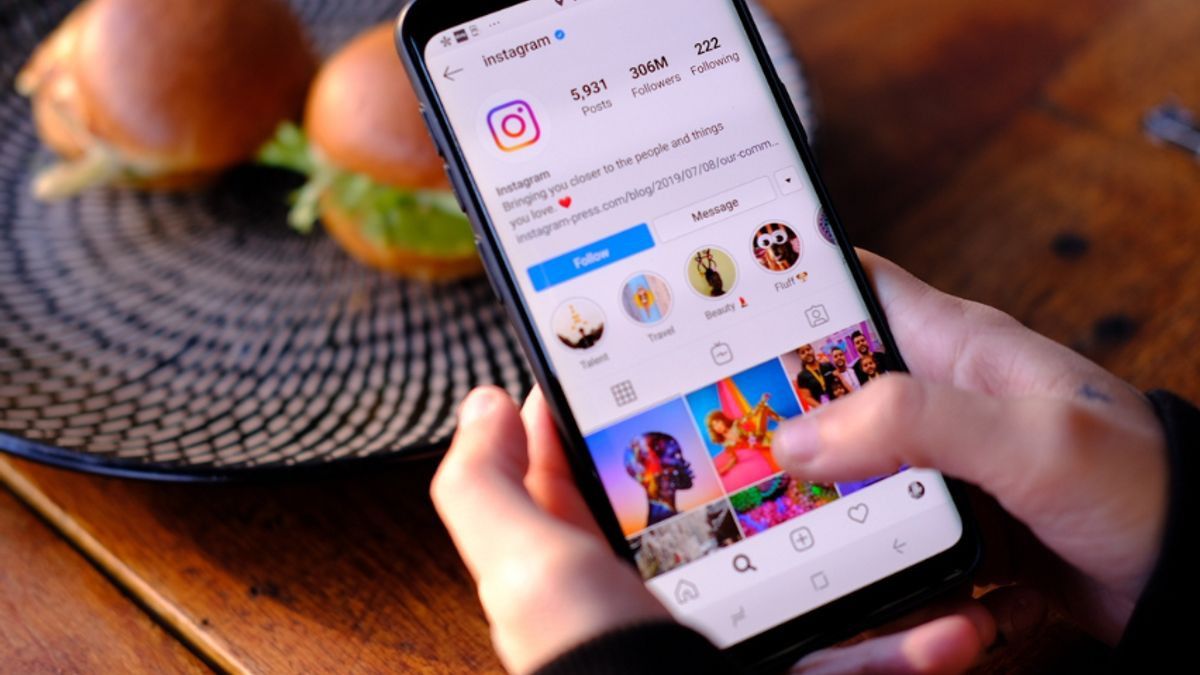


YOGYAKARTA - Are you one of those who often use Instagram filters when uploading stories? There are so many choices of IG filters that you can apply to make story posts more aesthetic and unique. Apart from using what is already available, it turns out that you can also make your own filters. So how to make Instagram filters?
If you want to try creating your own IG filter, now there are more practical ways. The process of making this filter is quite simple, without the need to bother editing manually. You only need to use applications such as Spark AR Hub and Unity Hub.
By creating your own filter, you can determine what objects or effects you want to display in the filter. If you're interested in trying it, see how to create your own Instagram filter below.
There are various apps that can be relied on to create IG filters. But most popular applications require the use of laptops or PCs in the manufacturing process. The two applications that are often used to make IG filters are Spark AR Hub and Unity Hub.
Spark AR Hub is an application developed by Meta to create augmented reality effects, including the Instagram filter. This application is compatible with devices that have a minimum Windows 10 operating system or a Mojave macOS 10.14.
Meanwhile, Unity Hub is an application made by Unity Technology which is also used to create augmented reality, including the effect of the IG filter. This application can be run on a minimum operating system of Windows 7 certain versions and macOS X 10.13.
The Instagram filter creation guide this time will use the Spark AR Hub application. This application was chosen because it is directly integrated with Instagram which is also developed by Meta.
Before starting to create an IG filter with the Spark AR Hub, make sure this application has been downloaded on your laptop. After that, follow the following steps for the manufacturing process.
If you want to find more or more Instagram filter references, you can do it the following way:
That's how to create your own Instagram filter that suits your preferences or wishes. You only need to install the application at pc and follow the steps above to be able to create your own IG filter. Also read how to turn off your online status on Instagram.
Stay up to date with the latest domestic and other overseas news on VOI. We present the latest and updated information nationally and internationally.
The English, Chinese, Japanese, Arabic, and French versions are automatically generated by the AI. So there may still be inaccuracies in translating, please always see Indonesian as our main language. (system supported by DigitalSiber.id)
Most Popular Tags
#Prabowo Subianto #donald trump #Febrie Adriansyah #8791 #giias 2026Popular


