

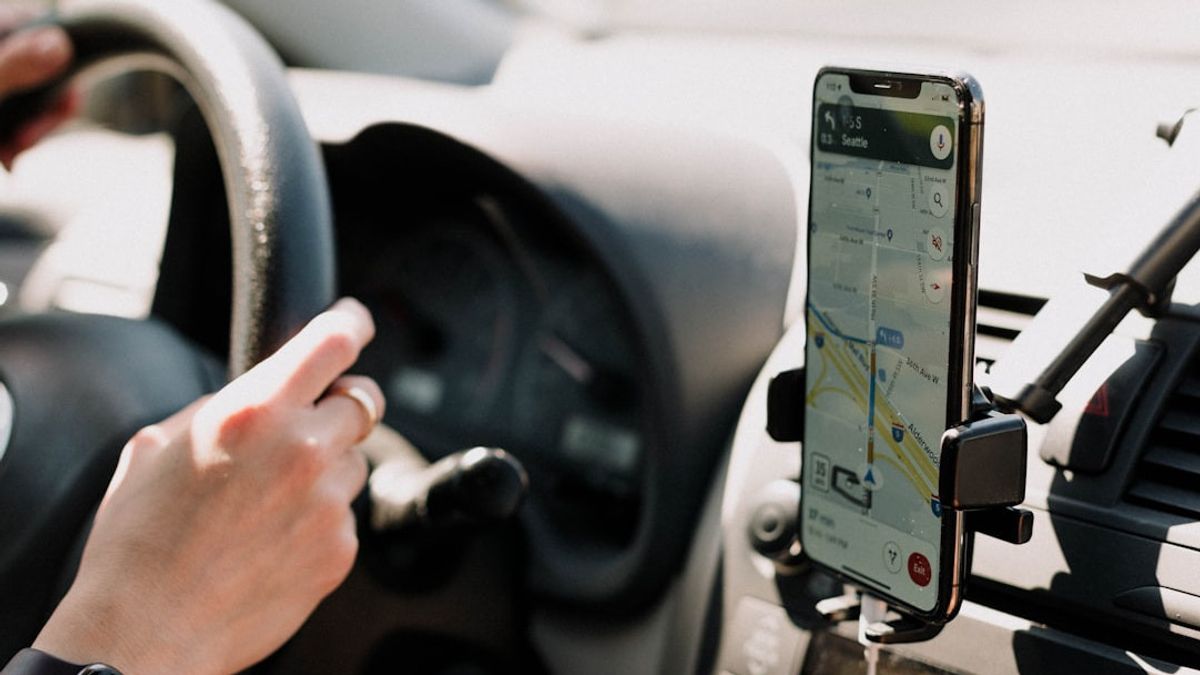


JAKARTA Google Maps gets new features that are exclusively available in the Pixel 10 series. This feature is Power Saving Mode which can extend battery life while driving.
This feature offers a very simple and color-dominated navigation interface. This mode can be activated easily by simply tapping the power button. Later, Google will maintain a black-and-white layout on the map layer.
Even if simplified, Google Maps will still display important information. The system status bar and the next turn view at the top of the screen will still be displayed. However, the Google Assistant or Gemini button will be removed to minimize power consumption.
In addition, Google also removed all Floating Action Button (FAB) on the right side of the screen. Users can only view basic route information at the bottom without buttons on the left and right. That way, current speed information will not be available as long as the mode is active.
SEE ALSO:
-
 | TEKNOLOGI
Gim Lonely Mountains: Snow Riders akan Hadir di PlayStation 5 pada 3 Desember
27 November 2025, 19:05 -
 | TEKNOLOGI
Embracer Group Divestasi Arc Games dan Cryptic Studios Senilai Rp499 Miliar
27 November 2025, 19:32 -
 | TEKNOLOGI
Misi Simulasi Mars Kedua NASA Dimulai, Empat Kru Harus Bertahan Selama 378 Hari
27 November 2025, 20:35 -
 | TEKNOLOGI
Rusak Stabilitas Jaringan Seluler, Komdigi Musnahkan 75 Perangkat Ilegal
28 November 2025, 08:35
If users want to see a complete notification, they can swipe the screen from top to bottom. To return to the initial navigation display, users only need to tap on the screen or power button again. Power Savings Mode will shut down automatically.
Dengan memanfaatkan fitur ini, Mode Hemat Daya dapa membuat daya dukungan baterai Pixel 10 bertahan hingga empat jam lebih lama. Namun, daya yang dihemat akan tetap bergantung pada pengaturan tampuan, kondisi lalu lintas, dan berbagai faktor lainnya.
This Power Saving Mode is available across the Pixel 10 series, including the Pixel 10 Pro, Pixel 10 Pro XL, and Pixel 10 Pro Fold. However, this feature is only supported for driving and only works in portrait orientation. There is no option for navigation such as cycling or walking.
The English, Chinese, Japanese, Arabic, and French versions are automatically generated by the AI. So there may still be inaccuracies in translating, please always see Indonesian as our main language. (system supported by DigitalSiber.id)


