

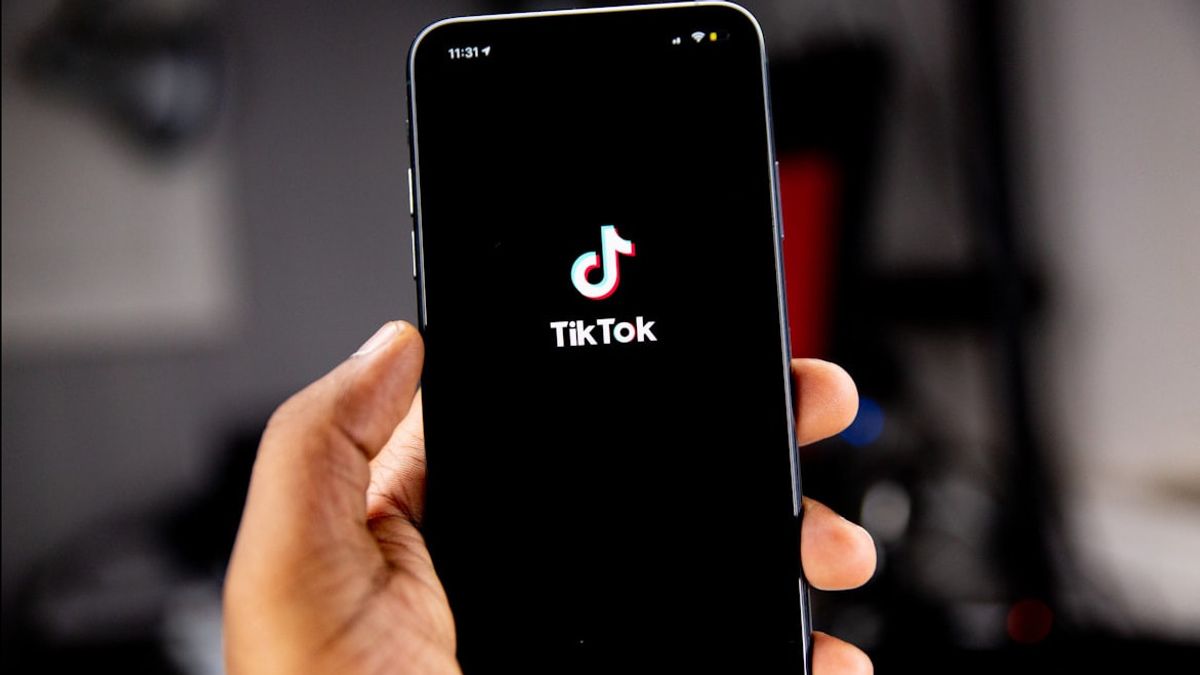


JAKARTA TikTok has provided repost capabilities for years, where users can share the content they like. Later, this content can be seen on their profile.
Repost is very easy to do, but you may want to cancel reposting videos so that the content doesn't appear on the profile. If you don't know how to do it yet, here are simple steps that you can apply via iPhone or Android.
The first step in the process of canceling the repost is to find the video in question. TikTok currently provides a special tab for repost so you can see directly the list of videos you want to remove directly.
However, if you are lazy to search for videos one by one on the tab, you can take advantage of the TikTok search feature. You only need to enter the keywords that are most relevant to the video content to narrow the search results.
SEE ALSO:
-
 | TEKNOLOGI
Riset Zoom: Anak Muda Lebih Berhati-hati dalam Penggunaan AI di Tempat Kerja
13 November 2025, 16:35 -
 | TEKNOLOGI
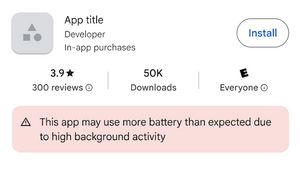
Google Play Store Akan Beri Label Khusus pada Aplikasi Penguras Baterai
13 November 2025, 16:01 -
 | TEKNOLOGI
Google “Kunci” Fitur Canggih Baru di Google Maps, Hanya Bisa di Pixel 10
13 November 2025, 10:05
After the video is found and starts playing, the repost cancellation can be done immediately. On the right side of the video screen, users need to tap on the right arrow icon which usually represents the Share option.
The Share To Menu will appear, displaying various sharing options. Among these options, search for and tap the option to Delete Posts. TikTok will process the request and immediately remove the track of the video repost from the user's profile.
The ability to control what appears in this profile feed improves the user experience. With these simple steps, users can maintain the curation of the feed content to stay up to their preferences.
The English, Chinese, Japanese, Arabic, and French versions are automatically generated by the AI. So there may still be inaccuracies in translating, please always see Indonesian as our main language. (system supported by DigitalSiber.id)
Most Popular Tags
#Prabowo Subianto #donald trump #firearm #8791 #giias 2026Popular


