

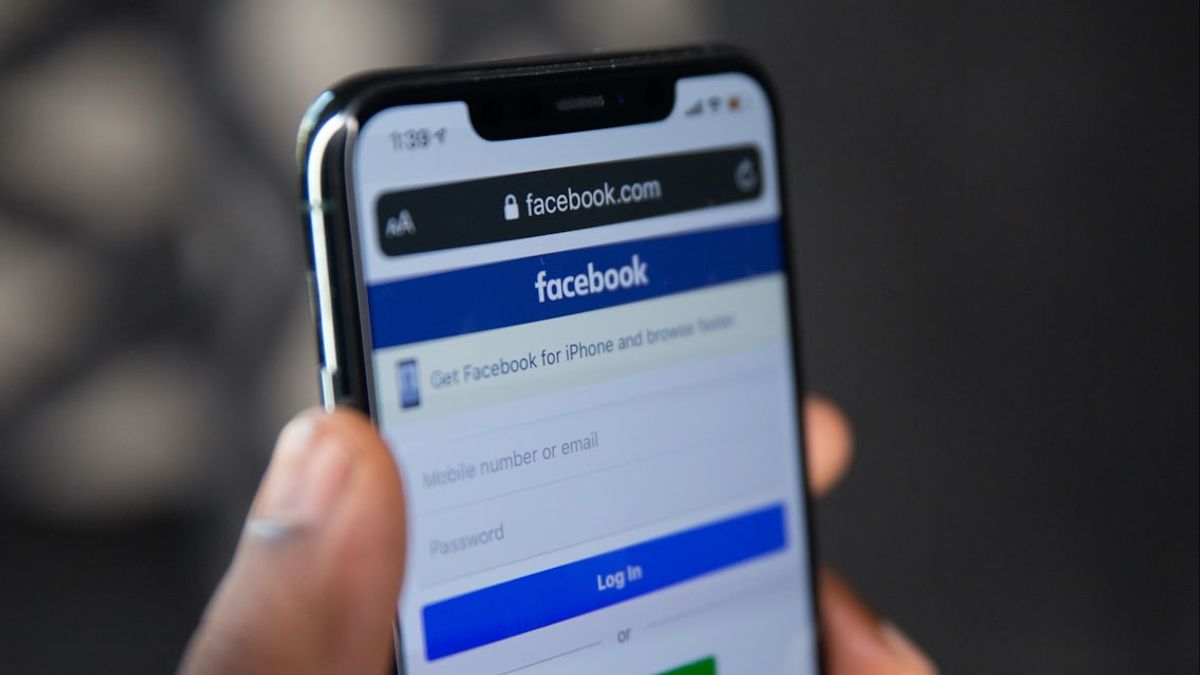


JAKARTA Facebook provides a tool to restore passwords if you forget about it. This process can be done in several structured ways, even easy to follow.
You can again access your Facebook account using an email or phone number or other means. Here are the steps you can follow to recover Facebook passwords, citing from How to Geek.
Use Email Or Registered Phone Number
If you still remember the email address or phone number connected to the account, the password reset process will be very simple. You only need to tap the Password Forgot button after failing to try logging in.
This button is located just below the password field. If you forget the email address or connected phone number, visit the main Facebook page. Then, search for and click the Account Lupa link? which is below the login column.
Once tapped, the system will ask you to enter any email address or phone number that may be related to your account. Enter the address you used when registering for Facebook, then click the Find button.
Later, Facebook will process your request based on account details and configurationed security settings. After that, you will be given several options to continue the password reset process.
SEE ALSO:
-
 | TEKNOLOGI
Peluncuran Marvel's Wolverine Dikonfirmasi, akan Rilis Tahun 2026 di PS5
25 September 2025, 19:03 -
 | TEKNOLOGI
Microsoft Flight Simulator 2024 akan Hadir PlayStation 5 dan PS VR 2 pada 8 Desember
25 September 2025, 18:35 -
 | TEKNOLOGI
TikTok Perkenalkan Change Makers 2025, Ini Tiga Kreator Indonesia yang Terpilih
25 September 2025, 18:04 -
 | TEKNOLOGI
Google Rilis Fitur Search Live, Ajukan Pertanyaan Langsung Sambil Berbagi Kamera
25 September 2025, 17:35

Request Verification Code
One of the most common methods to access an account whose password is forgotten is to ask Facebook to send a verification code. The system will show some email addresses and ask for confirmation.
If you want to use a different contact to receive a code, click the Try Another Way option. After that, you can select a registered email address or other phone number and click Continue to send the code.
Finally, enter the code received via email or SMS. If the code is correct, you will be asked to enter a new password and click Continue to complete the password change process.
The English, Chinese, Japanese, Arabic, and French versions are automatically generated by the AI. So there may still be inaccuracies in translating, please always see Indonesian as our main language. (system supported by DigitalSiber.id)


