
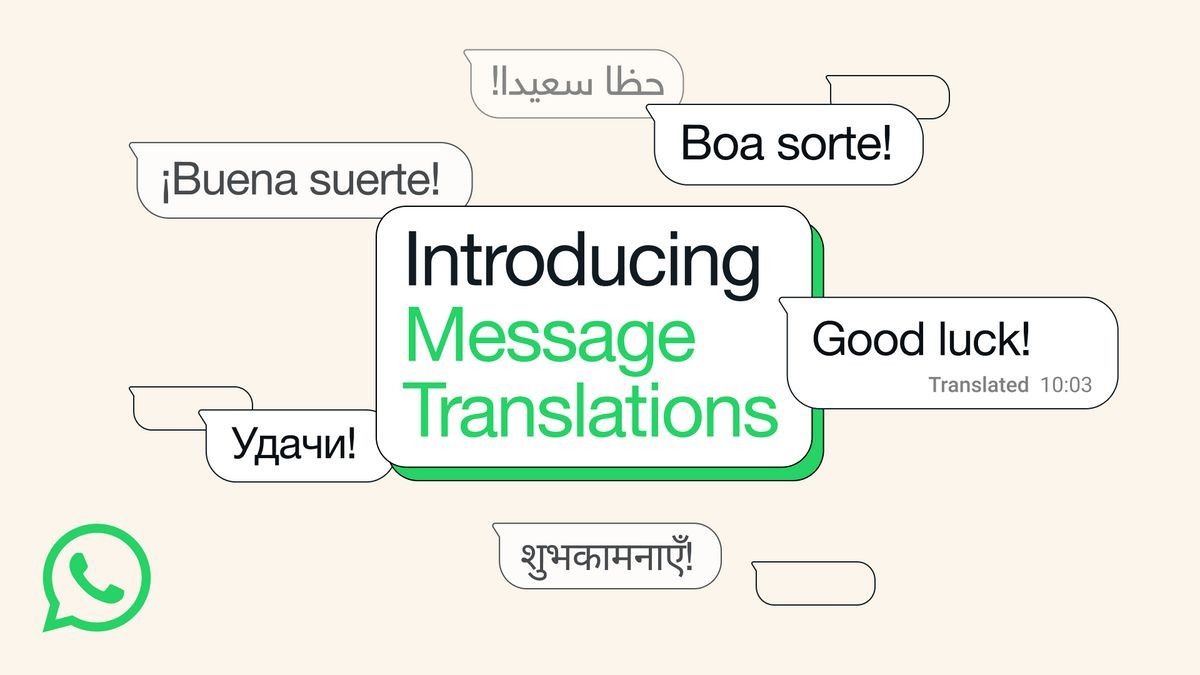


YOGYAKARTA - According to the book Chatting Without Limits Using WhatsApp by Jubilee Enterprise (2014), WhatsApp is a chat application where users can send text messages, voice, images, locations, and also videos to friends or contacts using any type of cell phone.
Among the current WhatsApp features, the majority of users still do not understand the automatic translator feature. So how to translate foreign languages in WA chat? Check out the full article below.
In the WhatsApp application, there are many features that can help its users, including the automatic message translator feature. WhatsApp has launched an automatic translation feature that can be used on Android.
SEE ALSO:
-
 | TEKNOLOGI
Peluncuran Marvel's Wolverine Dikonfirmasi, akan Rilis Tahun 2026 di PS5
25 September 2025, 19:03 -
 | TEKNOLOGI
Microsoft Flight Simulator 2024 akan Hadir PlayStation 5 dan PS VR 2 pada 8 Desember
25 September 2025, 18:35 -
 | TEKNOLOGI
TikTok Perkenalkan Change Makers 2025, Ini Tiga Kreator Indonesia yang Terpilih
25 September 2025, 18:04 -
 | TEKNOLOGI
Google Rilis Fitur Search Live, Ajukan Pertanyaan Langsung Sambil Berbagi Kamera
25 September 2025, 17:35

Reporting from the Ayotekno page, this free translation feature from WhatsApp allows users to communicate with foreigners around the world. With this automatic translator feature, you don't need to copy messages to Google translate.
However, you must first install the Google Translate application on your device.
According to the Signal page, below is how to enable or install automatic translators on WhatsApp:
Once you know how to activate the automatic translator feature on WhatsApp, you also have to understand the next step, which is how to activate and use the automatic translator.
WhatsApp provides a built-in translation feature that can help you understand messages in multiple languages. At this time there are more than 100 languages provided by the automatic WhatsApp translator.
The steps to take advantage of this feature are quite easy, the steps are as follows:
That's a review of how to translate foreign languages in WA chats. Hopefully this information will be useful! Visit VOI.id to get other interesting information.
The English, Chinese, Japanese, Arabic, and French versions are automatically generated by the AI. So there may still be inaccuracies in translating, please always see Indonesian as our main language. (system supported by DigitalSiber.id)
Most Popular Tags
#Prabowo Subianto #donald trump #2026 World Cup #Febrie Adriansyah #8791Popular


