

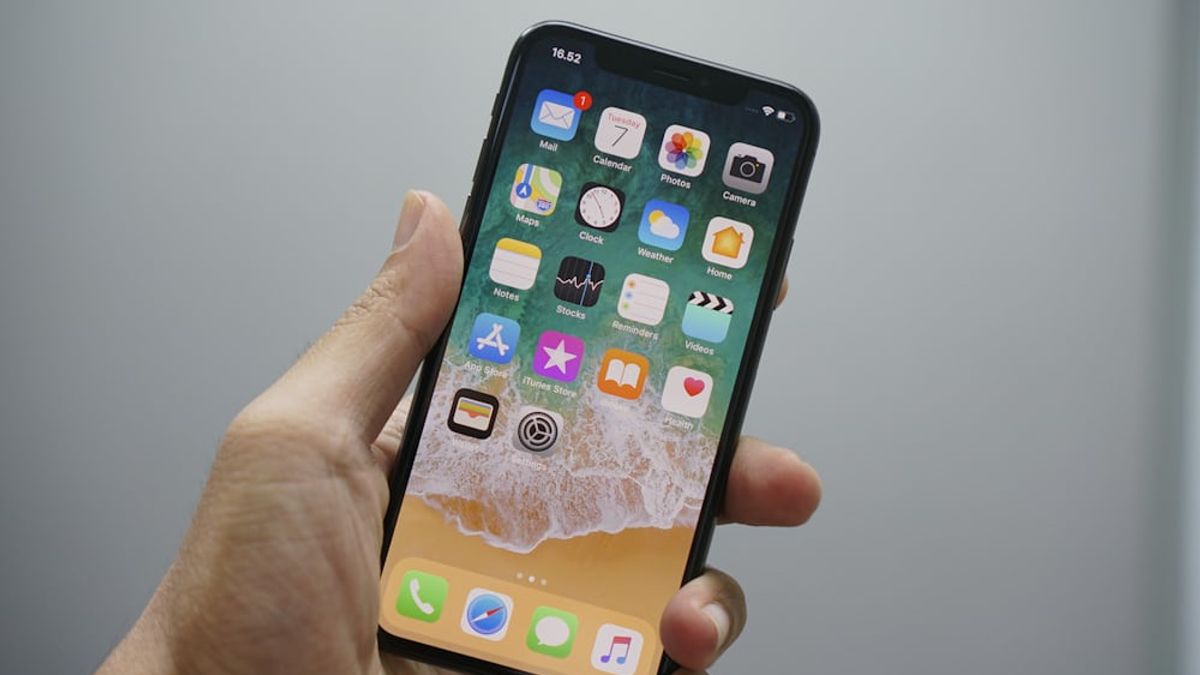


JAKARTA - unwanted call and text messages can be very annoying. Fortunately, you can block it via iPhone settings very easily.
You can block unknown numbers by just a few steps. Or, if you're too tired of blocking the number one-on-one, you can keep every call coming in from an unknown number.
First of all, let's see how to block an unknown number. Here's the tutorial:
Through the Phone application
To block spam calls, take the following steps:
Setelah menerapkan langkah-langkah ini, Anda tidak akan lagi menerima panggilan dari kontak tersebut. Jika ada beberapa nomor yang terus-perus menganggu Anda, Anda harus memblok masing-masing nomor satu-masing satu per satu.
Through the Messages application
Apart from a Phone call, you can also block spam messages, follow the following steps:
SEE ALSO:
-
 | TEKNOLOGI
Jangan Bingung! Kenapa Play Store Tidak Bisa Dibuka dan Cara Memperbaikinya
18 September 2025, 13:04 -
 | TEKNOLOGI
Amazon Luncurkan AI Agen untuk Bantu Penjual Kelola Bisnis di Platformnya
18 September 2025, 12:31 -
 | TEKNOLOGI
Studi IBM: Chief AI Officer Jadi Kunci ROI, Tapi Indonesia Masih Tertinggal
18 September 2025, 14:35 -
 | TEKNOLOGI
Monster Hunter Stories 3: Twisted Reflection akan Hadir di Konsol dan PC Tahun Depan
18 September 2025, 16:09
Advertising Calls From Unknown Numbers
Well, if you choose to disable the call from an unknown number, follow the following steps:
Remember that this doesn't block unwanted calls your phone will send it directly to voicemail.
The English, Chinese, Japanese, Arabic, and French versions are automatically generated by the AI. So there may still be inaccuracies in translating, please always see Indonesian as our main language. (system supported by DigitalSiber.id)


