

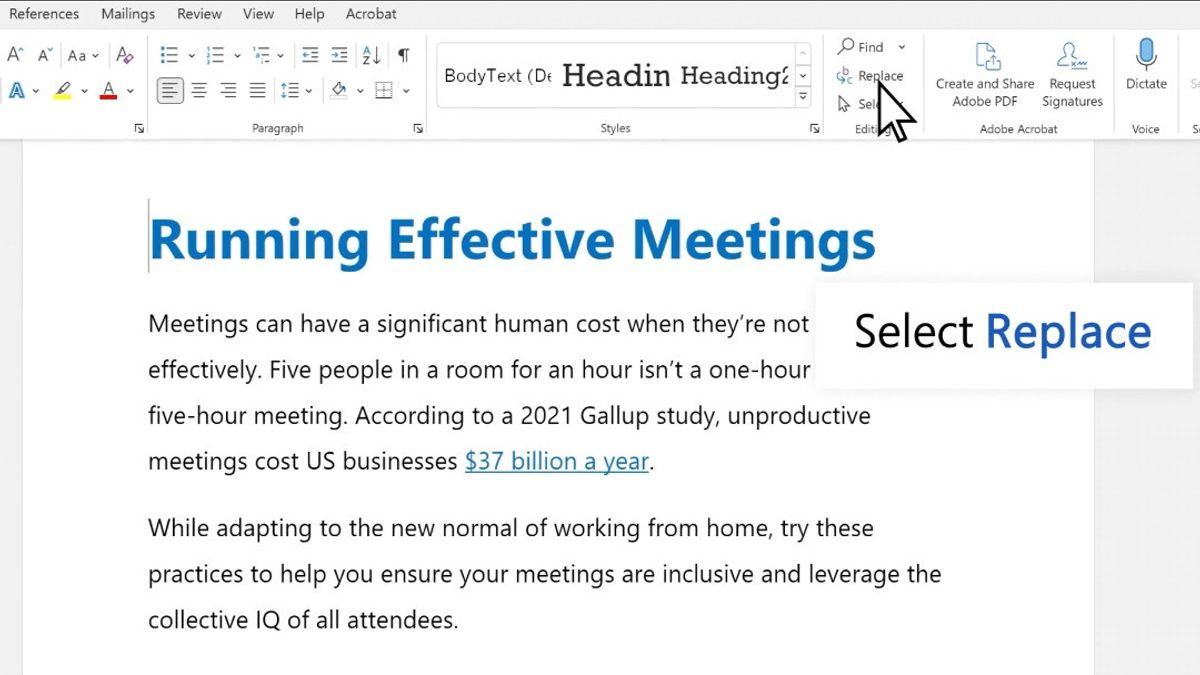


JAKARTA - As you know, Microsoft Word has a feature that allows users to change words or phrases quickly without having to change them one by one.
This feature is called Find and Replace and can be accessed directly from the Home menu on Windows desktop. How to use it is quite easy, you just need to follow the following steps:
Apart from the Windows desktop, you can also use this feature using macOS, to do so follow the following steps:
SEE ALSO:
-
 | TEKNOLOGI
Begini Cara Nonaktifkan Pemutaran Video Otomatis di Facebook, Instagram, dan X
11 September 2025, 20:08 -
 | TEKNOLOGI
Samsung Sindir iPhone 17 “Zzz-note”, Padahal Galaxy S25 Juga Sama Saja
12 September 2025, 02:05 -
 | TEKNOLOGI
Meta dan TikTok Menang Gugatan atas Biaya Pengawasan Uni Eropa, Regulator Harus Hitung Ulang
12 September 2025, 06:05 -
 | TEKNOLOGI
Tutorial Prompt Gemini AI Foto Polaroid dengan Idol Kpop, Auto Realistis!
12 September 2025, 15:35
Optional, you can also only press the CONTROL + H function to open the Find and Replace window faster. It is recommended to use Replace in order to review the results before replacing all the text.
The English, Chinese, Japanese, Arabic, and French versions are automatically generated by the AI. So there may still be inaccuracies in translating, please always see Indonesian as our main language. (system supported by DigitalSiber.id)
Most Popular Tags
#Prabowo Subianto #donald trump #firearm #8791 #giias 2026Popular


