
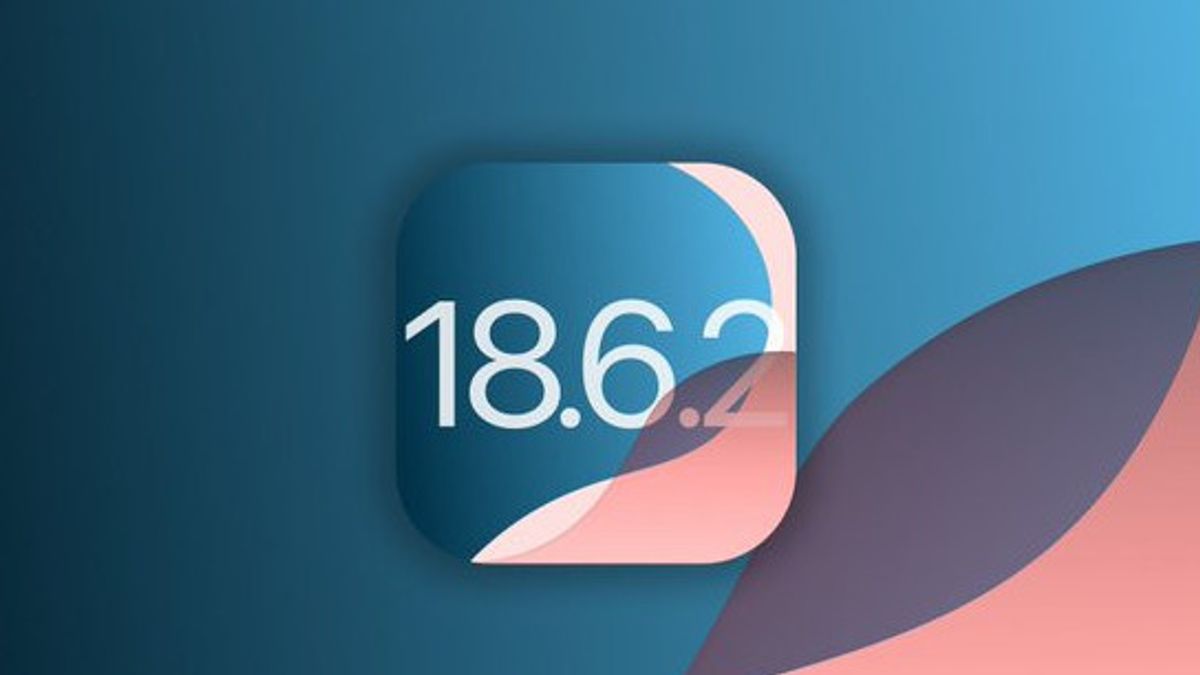


JAKARTA The giant tech company Apple Inc. officially released minor software updates for all of its product lines on Wednesday, August 20 local time. This update includes iOS 18.6.2, iPadOS 18.6.2, and macOS Sequoia 15.6.1.
As is common in granular or minor-type updates, the release of this Cupertino-based company does not present a striking new feature. The main focus is on improving security vulnerabilities, improving system stability, and improving bugs to improve user experience as a whole.
Until further notice from Apple, specific details of the patched security loophole will usually be disclosed in security reports on their websites in the next few days.
SEE ALSO:
-
 | TEKNOLOGI
Berdampak Besar, Coba Gunakan Mode Gelap untuk Tingkatkan Daya Baterai iPhone
21 Agustus 2025, 00:05 -
 | TEKNOLOGI
Notion Luncurkan Mode Offline, Bisa Akses Aplikasi Tanpa Internet
20 Agustus 2025, 23:35 -
 | TEKNOLOGI
Samsung Galaxy Watch Ultra dengan Warna Titanium Blue Akan Hadir di Indonesia
20 Agustus 2025, 23:05


This update is part of Apple's dual development strategy (dual-track development). While most of the world's attention is fixated on the latest generation operating system (iOS 19, iPadOS 19, macOS 16) which is scheduled to be released in the fall, Apple is in parallel committed to supporting and securing the operating system currently circulating widely on users' devices.
Updates For Various OS Versions
Apart from the latest major version, Apple has also consistently released updates to previous generation operating systems. In the same wave, the Cupertino-based company also released the iPadOS 17.7.10.
This practice ensures that users with devices a little longer, such as older iPhone or iPad models, still get vital security protection even though they cannot upgrade to the latest major OS version.
The release of iOS 18.6.2 and friends is a continuation of the minor update released on August 14, 2025, namely iOS 18.6.1 and watchOS 11.6.1. The previous update had a special mission: returning the Blood Oxygen Measuring feature (Blood Oxygen) to the Apple Watch Series 9, Apple Watch Series 10, and Apple Watch Ultra which previously did not work in the United States, following patent dispute issues.
How To Update Your Devices
For users who want to secure their devices immediately, here are easy steps to update:
- Open the Settings app on your iPhone, iPad, or Mac.
- Scroll down and tap General (General).
- Select the Software Update option.
- Wait for the system to check the availability of updates. Updating iOS 18.6.2, iPadOS 18.6.2, or macOS 15.6.1 will appear here.
- Tap Download and Install.
Follow the instructions that appear on the screen until the process is complete. Make sure your device is connected to Wi-Fi and has sufficient battery, or is being charged.
By installing this update, users can ensure that their iPhone, iPad, or Mac remains protected from the latest cyber threats and runs more smoothly.
The English, Chinese, Japanese, Arabic, and French versions are automatically generated by the AI. So there may still be inaccuracies in translating, please always see Indonesian as our main language. (system supported by DigitalSiber.id)
Most Popular Tags
#Prabowo Subianto #donald trump #2026 World Cup #Febrie Adriansyah #8791Popular


