
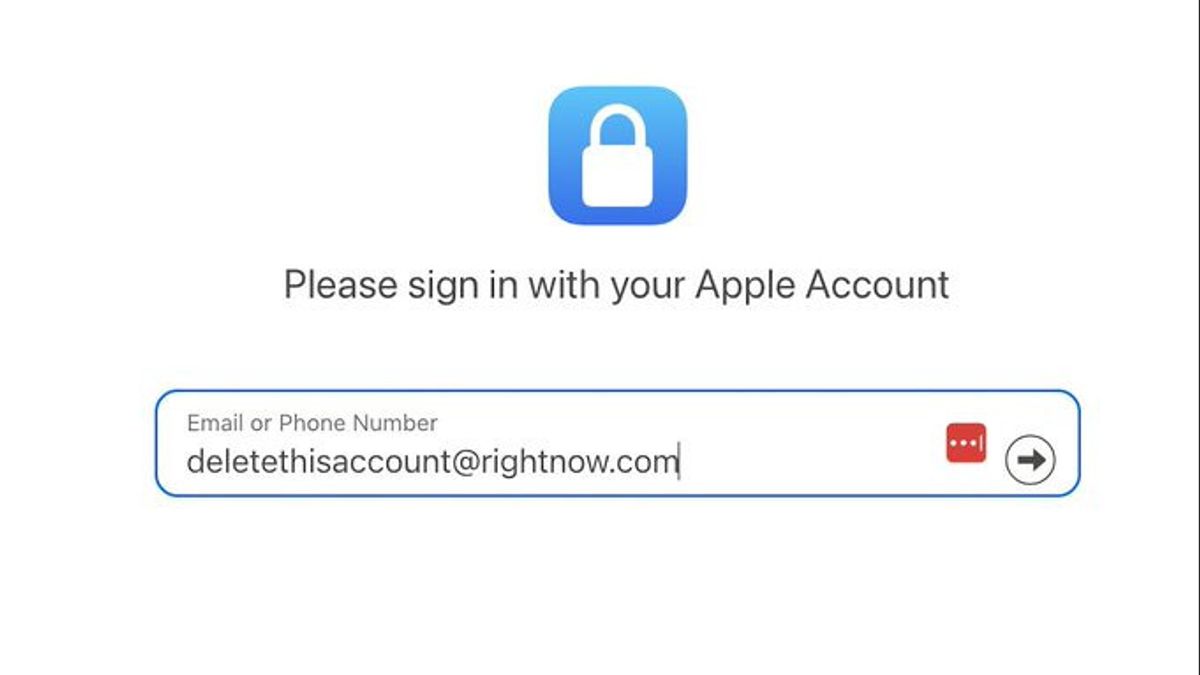


JAKARTA - Apple provides an option for users to permanently delete Apple Accounts (Apple ID) or temporarily disable them. Reasons for deleting accounts can vary, ranging from users who have multiple accounts and want to unite them, to those who want to truly escape from Apple's ecosystem, or even want to 'life off-grid' without being connected to technology.
Deleting an Apple Account means you can no longer access any Apple services associated with the account, such as App Store, iTunes, Apple Pay, iMessage, as well as content that has been purchased and downloaded. All data stored on iCloud, including photos, videos, documents, and app data, will also be permanently removed from Apple servers.
In addition, appointments at the Apple Store and ongoing AppleCare support will be canceled, but orders or improvements that are already in effect remain in effect. The subscriptions related to the account will automatically be canceled when the subscription period is over, but you can no longer use the service.
Apple insists that account deletion is permanent and cannot be canceled or restored. Some data, such as transaction information and data that must be stored for legal compliance, are still stored by Apple even if the account is deleted.
Before deleting an account, Apple advises users to:
Backuping all data in iCloud, including data uploaded by yourself and application data.
Downloading content that is not protected by DRM, such as music, videos, and songs purchased via iTunes Match.
Checking and canceling the active subscriptions you want to stop, so as not to lose important services accidentally.
Log out (sign out) of all devices that use the account. Once the account is deleted, you can't turn off the iCloud or Find My feature, which has the potential to cause the device to be locked.
Enter the Apple Data and Privacy (privacy.apple.com) site with your Apple Account. You may be asked to authenticate two factors.
Find the 'Delete your account' section, then click Request to delete your account.
Select the deletion reason from the dropdown menu and click Continue.
Read a list of important things that must be considered when deleting an account, then click Continue.
Approve the terms and conditions by checking the box, then clicking Continue.
Determine the account deletion status update method, either via email, phone number, or another Apple account. Click Continue.
Note and save the access code Apple provides, then click Continue.
Enter the access code for confirmation, click Continue.
Read back the final reminder about the deletion consequences, then click the Delete account.
On the confirmation screen, click Sign out.
This deletion process is not a direct removal. Apple will verify the request for about seven working days. During this period, the account is still active and you can cancel the deletion by contacting Apple Support and providing a saved access code.
If you are not sure you want to permanently delete the account, Apple also provides the option to temporarily deactivate the account. In this way, access to the account and data will be suspended, but the data will still be stored by Apple and the account can be reactivated at any time in the future.
The procedure is almost the same as a permanent removal, with the following steps:
Enter the Apple Data and Privacy site.
In the 'Temporarily degenerate your account' section, click Request to demand your account.
Select the reason for deactivation and click Continue.
Read a list of important things to pay attention to, then click Continue.
Agree to terms and conditions, then click Continue.
Select a method to receive deactivation status updates.
Save and confirm the given access code.
Click Deactivate account on final reminder.
Click Sign out on the confirmation screen.
SEE ALSO:
-
 | TEKNOLOGI
Tiga Masalah Utama yang Sering Ditemukan di Browser Safari Milik Apple
23 Juni 2025, 19:35 -
 | TEKNOLOGI
Harvest Moon: Home Sweet Home akan Dirilis untuk PS5 dan Switch Tahun Ini
23 Juni 2025, 18:05



This deactivation also takes several days to process. You must store the access code properly because it is necessary to reactivate the account if you change your mind later.
Deleting an Apple account is a serious step with permanent impacts affecting access to various digital services and data. Before doing so, it is very important to backup data and ensure that no important subscriptions or services will be disconnected without preparation.
If you just want to rest for a while without losing data, temporarily deactivation of your account is the best choice because it gives flexibility to reactivate your account in the future.
The English, Chinese, Japanese, Arabic, and French versions are automatically generated by the AI. So there may still be inaccuracies in translating, please always see Indonesian as our main language. (system supported by DigitalSiber.id)


