
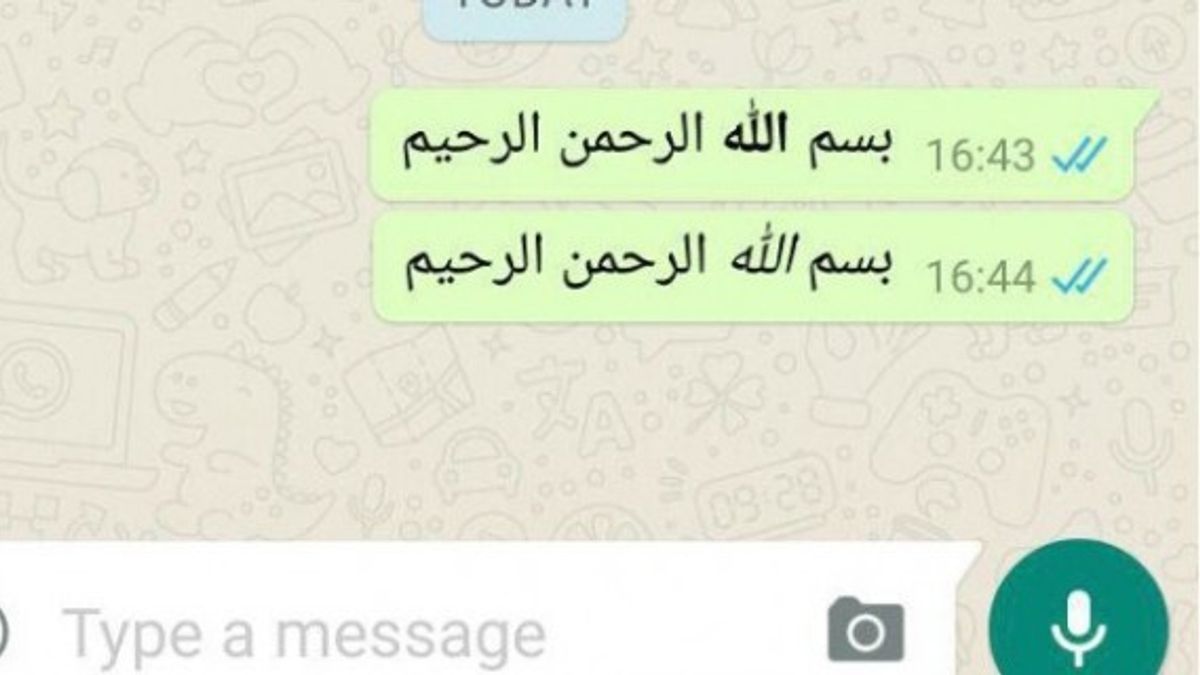


YOGYAKARTA - WhatsApp or WA is one of the most popular instant messaging applications in the world, including in Indonesia. This application allows users to communicate easily using various features, including sending messages in various languages. One language that is often used is Arabic, especially for religious purposes or communication with Arabic speakers.
For users who want to write in Arabic on WhatsApp, there are several methods that can be used. Users can enable Arabic keyboards on their devices or take advantage of third-party applications that support Arabic writing. In this way, typing in Arabic will become more practical and comfortable.
If you want to know how to make Arabic writing on WA, the steps that need to be done are quite simple. You can start by setting the language in the keyboard settings or using special features available in the WhatsApp application. By following the right guidelines, you can easily send messages in Arabic letters to friends, family, or colleagues.
1. Enable Arabic Keyboard on Smartphone
The first step to be able to type in Arabic on WhatsApp is to activate the Arabic keyboard on your device. Here's how to activate it on Android and iPhone:
I. Android
II. iPhone
2. Using the Arabic Keyboard App
If you want more options in typing Arabic letters, you can download the Arabic keyboard application on the Play Store or App Store. Some popular apps that can be used are:
After installing the application, activate it as the main or additional keyboard in your smartphone settings. The method of use is the same as changing the regular keyboard.
3. Writing Arabic Writing on WhatsApp
After the active Arab keyboard, you can immediately type on WhatsApp as usual. Here are some tips for typing in Arabic:
4. Using the Copy-Paste feature
If you don't want to activate the Arab keyboard, another alternative is to use a copy-paste feature. You can search for Arabic writing on the internet or use Arab transliteration sites such aslogos or Google Translate. After finding the desired text:
5. Using a Bot or Conversion Application for Latin to Arabic Writing
There are several bots or applications that can convert Latin writing into Arabic automatically. Some sites or applications that can be used include:
Writing in Arabic on WhatsApp is actually quite easy. You can activate the Arabic keyboard directly from smartphone settings, use additional applications, or even take advantage of copy-paste features from transliterated sites. By knowing how to make Arabic writing in WA, now you can communicate more easily in Arabic, both for learning needs, business, and simply sending Islamic messages to friends and family.
In addition, also find out what the Proxy WhatsApp Function is and its Benefits for Users
So after knowing how to make Arabic writing in wa, see other interesting news on VOI.ID, it's time to revolutionize news!
The English, Chinese, Japanese, Arabic, and French versions are automatically generated by the AI. So there may still be inaccuracies in translating, please always see Indonesian as our main language. (system supported by DigitalSiber.id)
Popular


