

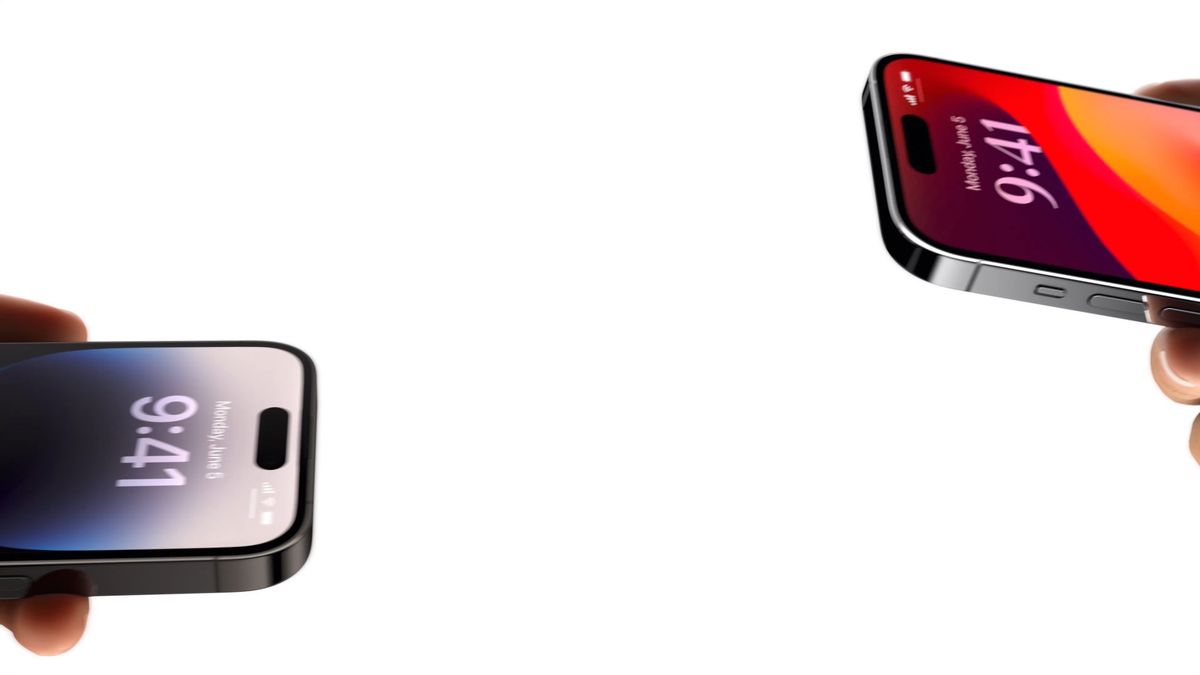


雅加达 - 前段时间iOS 17的推出时,苹果推出了许多新功能,其中之一是名为NameDrop的功能。
NameDrop 解释说,NameDrop 是 AirDrop 中的一个功能,可让您只需将 iPhone 更接近其他 iPhone,即可与您想要的接收者共享联系信息。
但是,在iPhone上使用NameDrop之前,您必须确保两款iPhone都必须在iOS 17上打开并运行。如果您与Apple Watch共享联系信息,请务必在 watchOS 10 或更高版本上使用。
接下来,您必须保留自己的联系人信息,如果您没有这样做,还必须为自己创建联系人邮报。
最后,通过转到“设置”>“一般”>“空投”来确保您已启用“一起携带设备”。
NameDrop在您正确定位两部iPhone后,运行顺利。以下是您需要做的:
The English, Chinese, Japanese, Arabic, and French versions are automatically generated by the AI. So there may still be inaccuracies in translating, please always see Indonesian as our main language. (system supported by DigitalSiber.id)
Add VOI as a Preferred Source
Follow VOI news updates across Google.
+


