

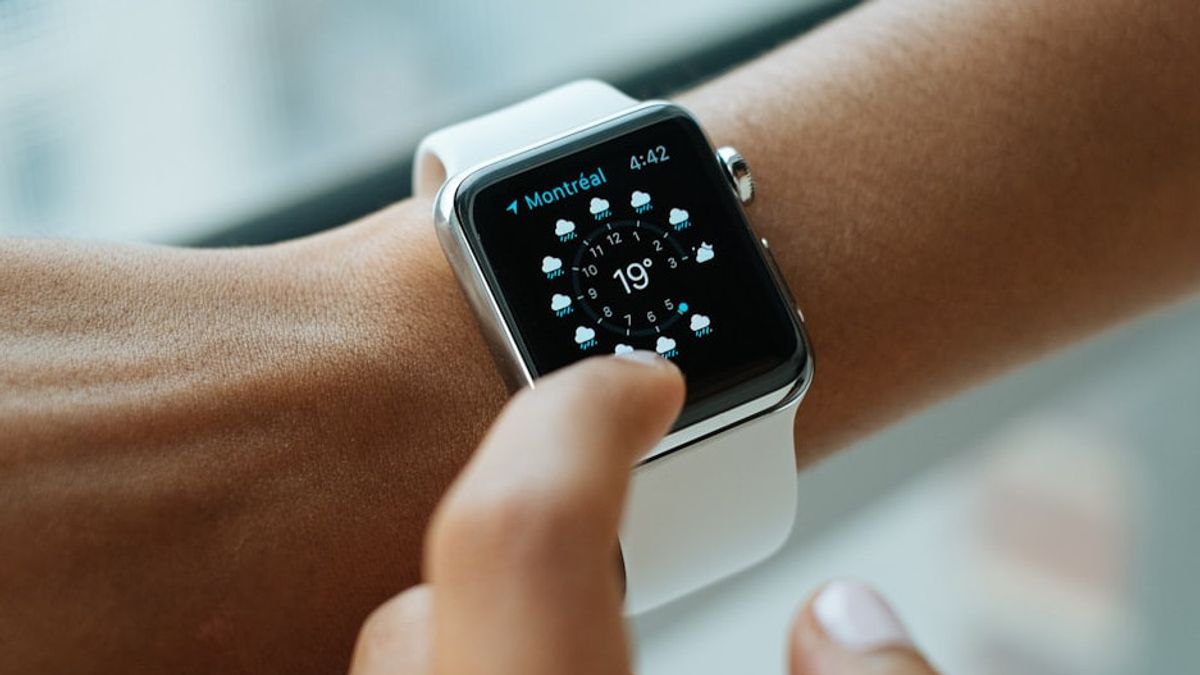


JAKARTA Apple presents one of the most useful features on watchOS 26, namely the Hypertension Notification feature. With this feature, users can monitor their heart health patterns through Apple Watch.
This feature is designed to provide early warning if the device detects patterns that lead to high blood pressure or hypertension. However, this feature needs to be activated first before you use it.
To be able to enable and use this feature, users must meet several requirements first. You need an iPhone 11 or later to run iOS 26.
In addition, wrist detection must be activated on your Apple Watch so that optical heart sensors can work optimally. There is also an age requirement, namely that users must be 22 years old or older.
Apple also sets health restrictions, such as users should not be pregnant and have never been diagnosed with hypertension before. The activation process of this feature will request confirmation of these details from the user.
SEE ALSO:
-
 | TEKNOLOGI
YouTube Luncurkan Alat Deteksi Kemiripan AI untuk Berantas Konten Deepfake
22 Oktober 2025, 14:05 -
 | TEKNOLOGI
Samsung Hentikan Distribusi One UI 8, Ini Perangkat yang Terdampak
22 Oktober 2025, 16:35 -
 | TEKNOLOGI
Sony Gelar PlayStation Partner Awards 2025 di Jepang Asia pada 3 Desember
21 Oktober 2025, 18:35

After confirming the requirements above, open the Health app on your iPhone, then tap the profile icon at the top corner of the screen. Next, under the tap-check list feature, then select Hypertension Notification.
If you have confirmed the age and diagnosis status of hypertension, tap Continue and follow the existing instructions. Once activated, notifications will not appear immediately because Apple takes 30 days to collect initial data.
Apple Watch will analyze data collected by optical cardiac sensors during this evaluation period. This 30-day evaluation period allows the device to accurately predict and detect whether you may exhibit a hypertension pattern.
The English, Chinese, Japanese, Arabic, and French versions are automatically generated by the AI. So there may still be inaccuracies in translating, please always see Indonesian as our main language. (system supported by DigitalSiber.id)


