

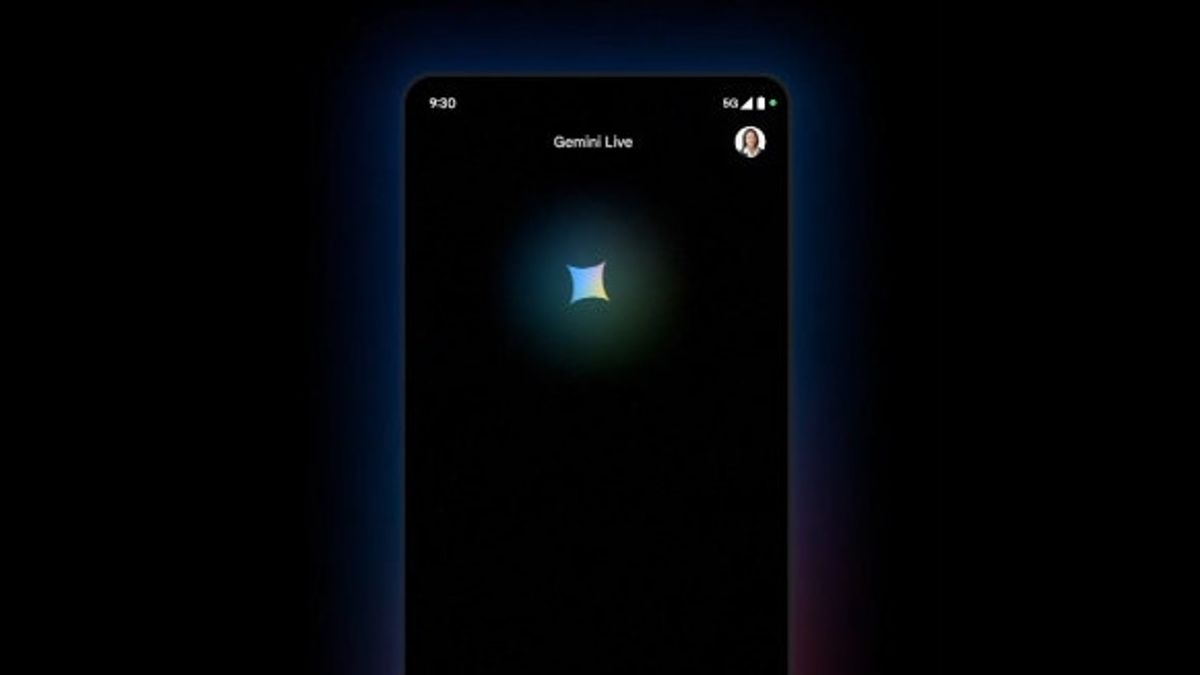


JAKARTA Google launched a small change to the Gemini app. As of February 6, the platform will immediately open the keyboard after its application is launched on Android devices.
This change isn't really that important, but some people may need it to access Gemini quickly. When the app displays the keyboard directly, users can type the command right away.
However, these changes may be annoying for some users, especially for those who want to enable Gemini Live. If the keyboard opens immediately, they need to exit the keyboard mode and look for an icon to enable Gemini.
This change is starting to appear in the beta version of Google app 16.4.36 on Android devices. Users in the stable channel cannot access or see this change. It is also not known when Google will launch this change.
SEE ALSO:
-
 | TEKNOLOGI
Google Photos Akan Tambahkan Watermark Digital SynthID pada Hasil Editan Alat AI
07 Februari 2025, 15:05 -
 | TEKNOLOGI
Keren! NASA Bakal Live Streaming Pertama Kali di Twitch dari Luar Angkasa
07 Februari 2025, 13:02



It looks like the keyboard display that opens immediately when tapping the app will be visible to all Gemini users, both free and paid like Gemini Advanced. This change has no effect on the keyboard model used.
Recently, Google launched the Deep Research feature to support in-depth information extraction. With this feature, users can plan trips in detail or create interesting study ideas.
Like the keyboard entry display, the Deep Research feature is only available on Android. This happens because Google has not expanded Gemini to iOS-based devices.
The English, Chinese, Japanese, Arabic, and French versions are automatically generated by the AI. So there may still be inaccuracies in translating, please always see Indonesian as our main language. (system supported by DigitalSiber.id)
Most Popular Tags
#Prabowo Subianto #donald trump #Febrie Adriansyah #8791 #giias 2026Popular


