

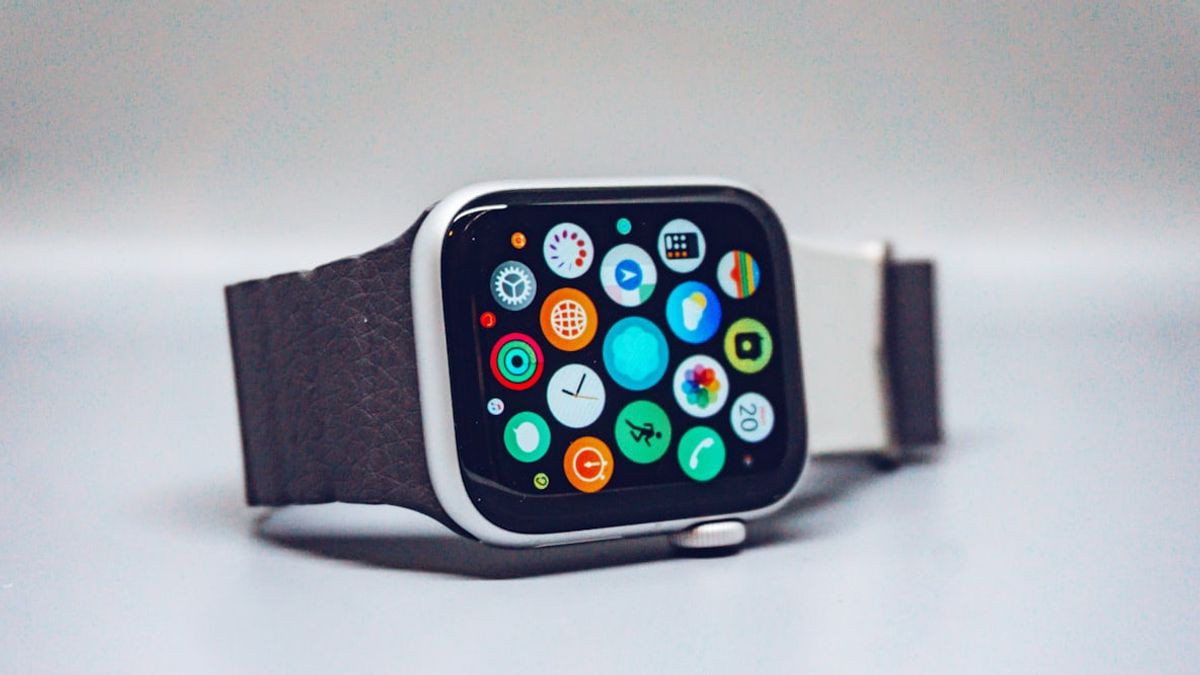


JAKARTA - Did you know that the Apple Watch that is locked because you forgot the passcode can still be used again without having to be taken to the service center.
Apple provides an official reset option that allows users to erase the device and reset it, either directly from the Apple Watch or through a connected iPhone.
It's worth noting that the reset process will delete all data and settings on the Apple Watch. However, users can still restore data from a backup after the process is complete.
How to Reset Apple Watch Directly from the Watch
If your Apple Watch won't unlock because you forgot the passcode, follow these steps to reset it directly from the device:
Place the Apple Watch on the charger and make sure it stays connected during the reset process Press and hold the side button until the power icon appears in the upper right corner of the screen Press and hold the Digital Crown until the Erase All Content and Settings option appears Tap Reset, then tap Reset again to confirm Wait for the deletion process to complete After that, set up the Apple Watch again and select the restore from a backup option when prompted Don't worry, because before the deletion is performed, the system automatically backs up data on the connected iPhone.
How to Reset Apple Watch Using iPhone
In addition to directly from the clock, users can also reset the Apple Watch through the paired iPhone. Here are the steps you need to follow:
Make sure Apple Watch and iPhone are in close proximity Open the Apple Watch app on iPhone Go to the My Watch tab Select General > Reset Tap Erase Apple Watch Content and Settings, then confirm again Enter Apple Account password if prompted Wait for the process to complete, then reset Apple Watch and restore from backup.
The English, Chinese, Japanese, Arabic, and French versions are automatically generated by the AI. So there may still be inaccuracies in translating, please always see Indonesian as our main language. (system supported by DigitalSiber.id)
Most Popular Tags
#Prabowo Subianto #donald trump #firearm #8791 #giias 2026Popular


