
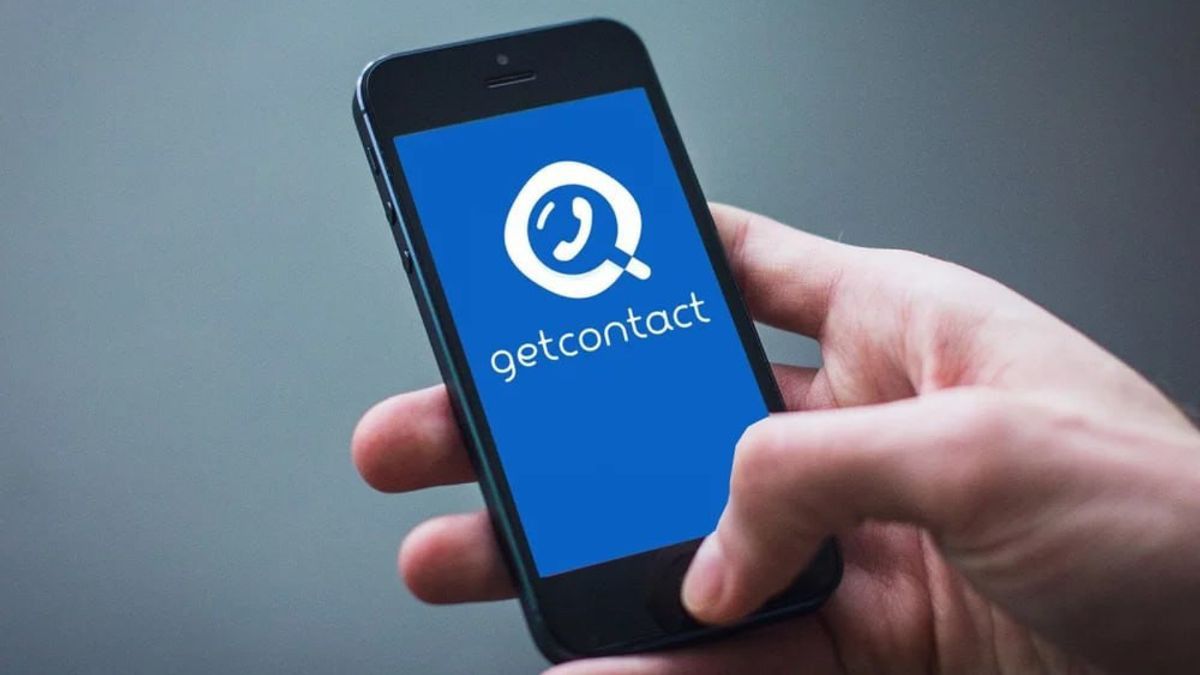


YOGYAKARTA -GetContact is a mobile app that works to identify contacts. The GetContact app allows users to know the identity of the caller from the tagging name given by the number store on GetContact, even though the number is not stored in the contact.
This makes this application often considered a violation of privacy, so many people want to permanently delete their accounts. Then how to delete the tag on GetContact?
GetContact allows users to know the identity of the caller, even though the number is not stored in the contact. This application collects personal data electronically through websites, mobile apps, or other similar devices managed in the name GetContact.
To delete the tag on GetContact, open the application or official website, select the "My Tag" menu ("My Tags"), look for the tag you want to delete, then slide it to the left until the trash can icon appears. After that, select the reason for deletion and click "Report" or "OK" for confirmation.
SEE ALSO:
-
 | TEKNOLOGI
Bitcoin Anjlok Pasca Pemangkasan Suku Bunga The Fed, Analis Jelaskan Alasannya
31 Oktober 2025, 14:30 -
 | TEKNOLOGI
Canva Luncurkan Sistem Operasi Kreatif Baru dengan Banyak Fitur AI Canggih
31 Oktober 2025, 14:05 -
 | TEKNOLOGI
Threads Luncurkan Fitur Persetujuan Balasan dan Filter Feed Terbaru
31 Oktober 2025, 13:35 -
 | TEKNOLOGI
BI akan Buat Stablecoin Nasional, Pelaku Industri Kripto Angkat Bicara
31 Oktober 2025, 12:35

The way to delete tags through the GetContact application is as follows:
Alternatively, overall number visibility management can also be done through the GetContact website which will hide numbers and all related tags from public searches. The trick is as follows:
By disabling visibility, your number will not appear in the search results of other users in the GetContact application, thus effectively hiding all existing tags.
The way to hide numbers so that other users can't find them in the GetContact application is as follows:
After completing all the steps above, your number will no longer appear in the search results on GetContact in approximately three hours. To be sure then you can try to find your number using a device or other number. If any other user tries to search for your number, they will receive a notification that the search results cannot be displayed because the number owner chooses not to be published.
GetContact can display a tag on the application to find out the profile in general the number owner, but GetContact can also hide it so that the data and profile of the number owner can remain confidential and private.
Hopefully useful. Visit VOI.id to get other interesting information.
The English, Chinese, Japanese, Arabic, and French versions are automatically generated by the AI. So there may still be inaccuracies in translating, please always see Indonesian as our main language. (system supported by DigitalSiber.id)


