
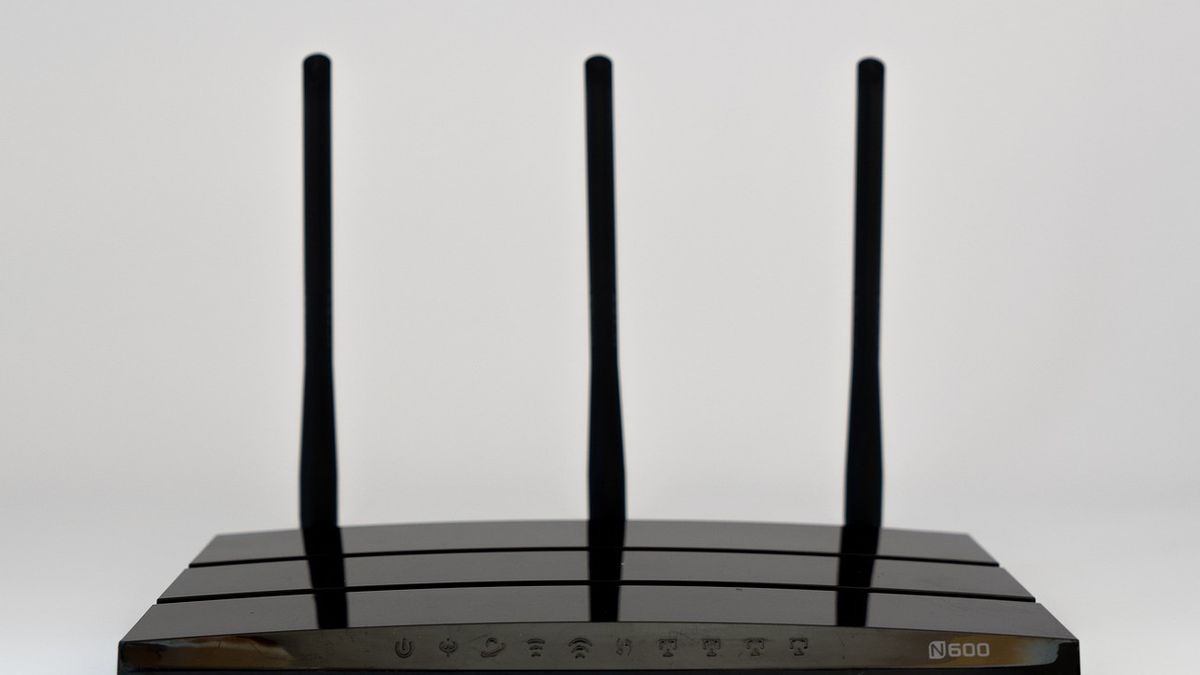


YOGYAKARTA The placement of WiFi routers can actually affect internet speed and signal range. Placement of routers in the wrong position can make the internet slow and weak signals, even uneven in each room. So, where is the best area to put a WiFi router at home? To find out, let's look at the following article.
Compiled from various sources, the following is a review of the best area of putting WiFi routers at home so that they can work optimally:
WiFi routers work by transmitting signals in all directions. If the WiFi router is placed in an area that is too low, the signal can spread downwards. This certainly makes the spread of the WiFi signal uneven.
To avoid this, WiFi routers should be placed in high areas such as on tables, high shelves or installed on walls. These places allow routers to spread signals more freely, so they can reach a wider area, quoted from the Homes and Gardens page.
Placing a WiFi router on a special seat can expand signal coverage and prevent a decrease in internet speed.
Sitting will keep the routers tall, stable, and not covered with other objects. If you put a router in the living room, use a rather high seat so that it is higher than the sofa, or other furniture tables.
In addition to keeping Wifi's signal stable, seats can also keep routers clean of dust and safe from the reach of small children. Routers placed on special seats can also avoid interference with other electronic devices that can cause WiFi signal interference.
The best area to put WiFi routers in the next house is the central area. This area is ideal because the signal can reach important rooms evenly, both living rooms, bedrooms, kitchens, and workspaces.
To prevent signal interference, avoid placing WiFi routers in the corner of the house, as some signals will be wasted outside, while other parts of the house will get a weak signal.
The position of the router in the cupboard or closed room will hamper the signal. Choose an open space with a few walls and barrier doors. If the best location is far from the socket, use a long ethernet cable or an additional electric terminal.
In addition, keeping routers away from electronic devices, such as television, radio, wireless phones, to remote control toys can interfere with router connections. The ideal distance to put the router is about 1.5 meters from other electronic devices so that the WiFi signal remains stable and fast.
That's information about the best area of putting WiFi routers. Get news updates of other options only on VOI.ID.
The English, Chinese, Japanese, Arabic, and French versions are automatically generated by the AI. So there may still be inaccuracies in translating, please always see Indonesian as our main language. (system supported by DigitalSiber.id)


