

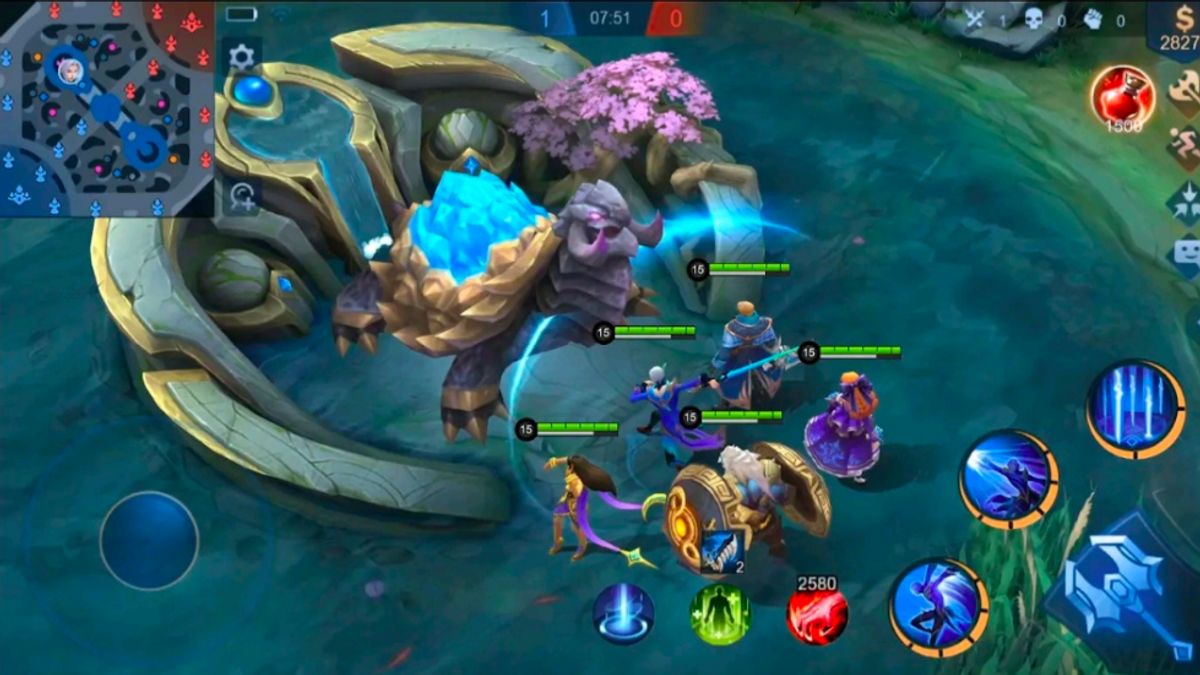


JAKARTA - Mobile Legends: Bang Bang (MLBB) is still one of the most popular MOBA games in Indonesia. Many players have played for years, but not everyone knows how to check the life of their ML accounts.
Some players may want to know the lifespan of their accounts, not only to get an annual event prize, but also because long-lived accounts usually have more value thanks to a large collection of heroes and skins.
In addition, knowing when you first played also presented a sense of nostalgia and pride for the players.
SEE ALSO:




While there is no official menu to directly show the age of the account, there are several ways you can try to find out:
Check Registration Email/Bind Account
If ML's account is connected to Google, Facebook, or Moonton Account, try checking the registration confirmation email. The date of the email usually shows when the account was created.
See Diamond Purchase History
If you have done a top-up, open the Google Play Store or App Store and check the transaction history. The first transaction is often an initial clue for the lifespan of ML's account.
Call Customer Service Moonton
Sign in to game > open Profile > Customer Service > Account. Ask a question about account creation date. If you can verify the data, Moonton usually provides that information.
Check Match History/ Season
Scroll your match history. Although there is no exact date, you can estimate the age of the account from the season to be played for the first time.
Follow Mobile Legends Anniversary Event
At ML's birthday event, Moonton often displays information from when you play. This feature is usually only available during events.
The English, Chinese, Japanese, Arabic, and French versions are automatically generated by the AI. So there may still be inaccuracies in translating, please always see Indonesian as our main language. (system supported by DigitalSiber.id)


