
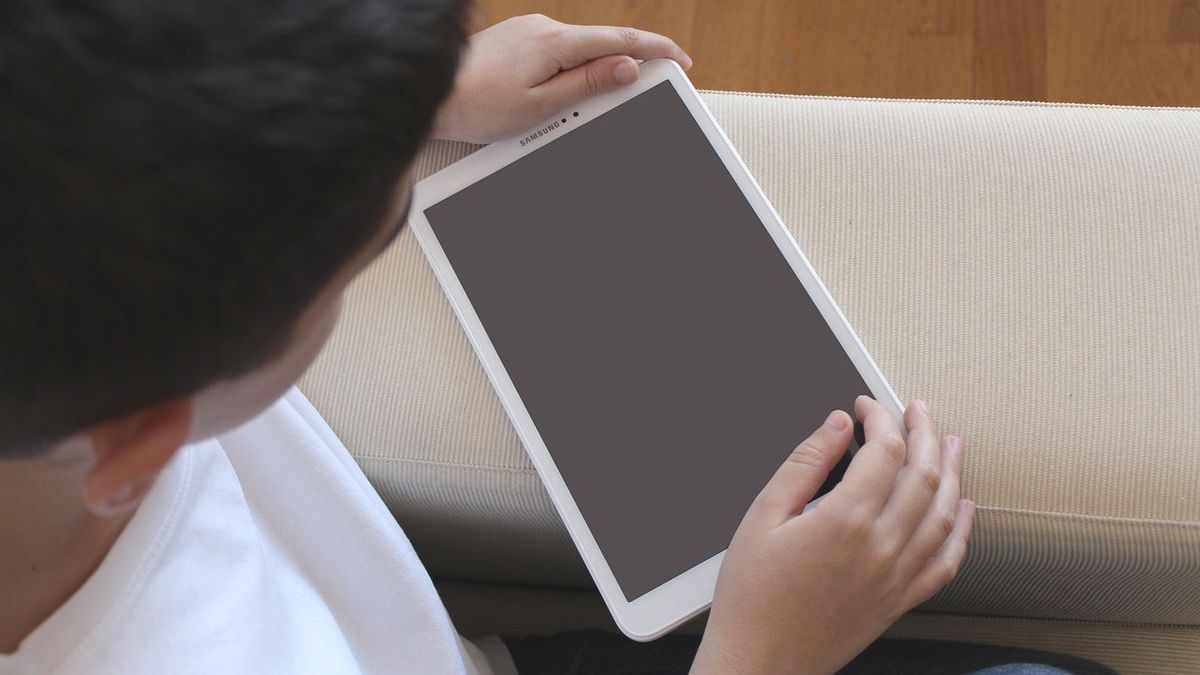


YOGYAKARTA "Have you ever had a connected WiFi but no access on Android? This condition can be annoying, especially if you need a fast connection to study or work.
WiFi is connected but no access on Android devices can be triggered by various factors, ranging from problems on hardware such as WiFi routers to regulatory problems on the phone itself.
Well, in this article, things will be discussed that cause WiFi to connect but there is no complete access on Android by overcoming it. Let's see the explanation below.
SEE ALSO:
-
 | TEKNOLOGI
Apple Rilis Pembaruan Keamanan untuk iOS, iPadOS, dan macOS dengan Perbaikan Penting
21 Agustus 2025, 12:05 -
 | TEKNOLOGI
Google Akhirnya Memperkenalkan Gemini for Home, Diluncurkan Oktober Mendatang
21 Agustus 2025, 12:35 -
 | TEKNOLOGI
ChatGPT Plus Hadirkan Kembali Model Lawas Bersama Pengalaman GPT-5 yang Diperbarui
21 Agustus 2025, 13:05
Compiled from various sources, here are some of the causes of WiFi being connected but no access on Android phones:
Sometimes problems don't come from your device, but from internet providers who are experiencing problems.
Android devices may not get the correct IP address, so even if they are connected, they cannot access the internet.
Piling up cache on network settings can cause the connection to be disrupted.
Routers that are on for too long or errors can also affect WiFi connections.
Inaccurate proxy or DNS settings can make the device unable to access the internet even if WiFi is connected.
To overcome connected WiFi but no access on Android, do the following tips:
Tips or how to deal with connected WiFi but no access on Android is first by restarting the cellphone. These tips can 'refresh' the cellphone system that is experiencing problems, thus possibly causing problems with the WiFi connection.
To restart Android smartphones, here are the steps:
Once the cellphone is on, you can try to reconnect your cellphone with a WiFi and roter connection.
The second tip is to turn off the WiFi connection on devices that are not being used. This method is done so that the bandwidth on the WiFi network is not full.
You need to know, the more devices are connected to the router, the more bandwidth can be full. If this happens, the speed of internet access will slow down or can't even be used at all.
How to overcome connected WiFi but no access on Android is the third is by restarting routers. To restart the router, pay attention to the following steps:
When Android phones can't access the internet even though they're connected to WiFi, try changing the IP settings on the device from 'Automatically' to 'State'. Next, enter the IP, gateway, and DNS addresses manually.
This tip is effective enough to solve the IP Address problem which may cause WiFi to connect but there is no access on Android.
The English, Chinese, Japanese, Arabic, and French versions are automatically generated by the AI. So there may still be inaccuracies in translating, please always see Indonesian as our main language. (system supported by DigitalSiber.id)
