
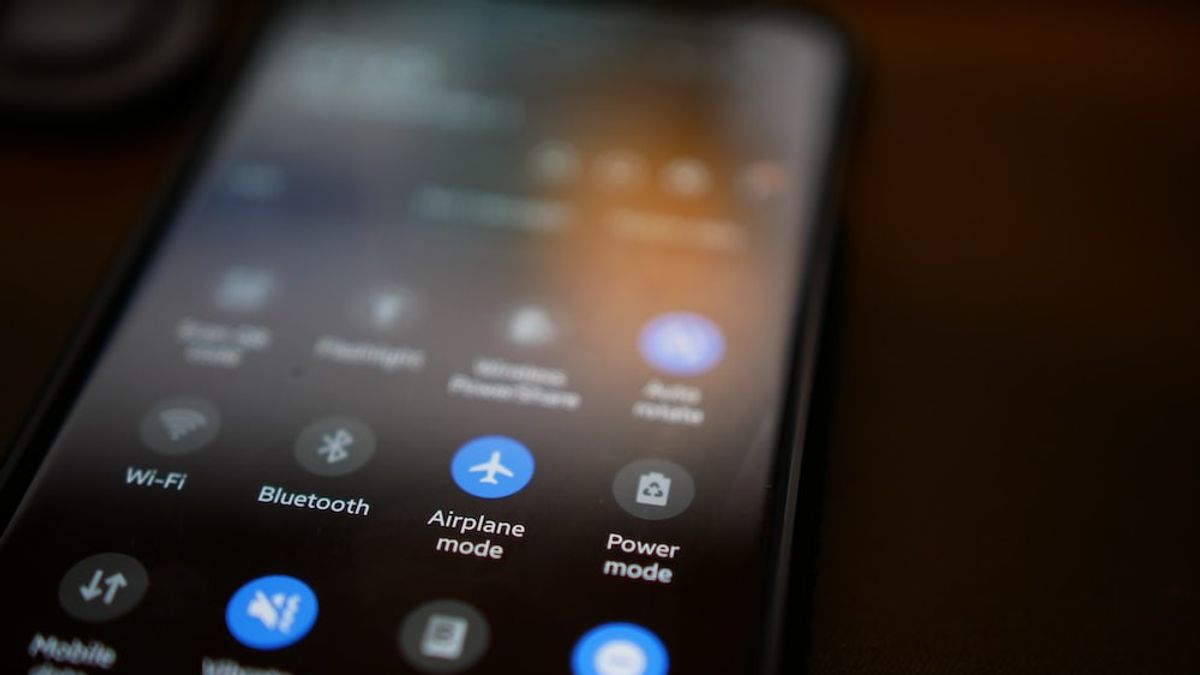


YOGYAKARTA The latest cellphone has a feature that can turn off the screen when the phone user makes a phone call. This feature is active because of a proxy sensor or commonly called a proximity sensor. Unfortunately, this feature is sometimes considered annoying. If you want to disable this feature, you know how to turn off the screen sensor when you call it in the settings.
Turning off the proxy sensor will make the screen feature turn off automatically when the phone is in mode off. Here's how to turn off the screen sensor when the phone goes off. By turning off the sensor, the screen will stay on the phone.
This setting is available on Android HP with System Operation version 5.0.2 Lollipop. The way that can be done is as follows.
Some phones do not provide settings for turning off the proxy sensor. But there's no need to worry, the sensor can be turned off by downloading an application called Smart Screen On Off. Once downloaded and installed, follow the following steps.
SEE ALSO:
-
 | TEKNOLOGI
Cara Mengganti Alamat Email yang Terhubung dengan Akun X dengan Mudah
24 April 2025, 20:35 -
 | TEKNOLOGI
X Gugat Minnesota karena UU Larangan Penggunaan AI Deepfake Saat Pemilu
24 April 2025, 18:35


If the sensor turns off the screen automatically when calling the error, users don't need to panic because there is a way out that can be done, namely as follows.
A dirty proxy sensor caused by dust or other foreign objects will make the screen shut down continuously. To overcome this, it is recommended to clean the sensor. The proxy sensor on the phone is usually located on the top screen, near the front camera, or inside the screen frame.
Using a headset when you call will prevent the screen from turning off when you call. With the headset, the sensor will not detect any objects approaching so that the screen remains on.
That's how to turn off the dead screen sensor on the phone. Visit VOI.id to get more interesting information.
The English, Chinese, Japanese, Arabic, and French versions are automatically generated by the AI. So there may still be inaccuracies in translating, please always see Indonesian as our main language. (system supported by DigitalSiber.id)
Most Popular Tags
#Prabowo Subianto #donald trump #Febrie Adriansyah #8791 #giias 2026Popular


