

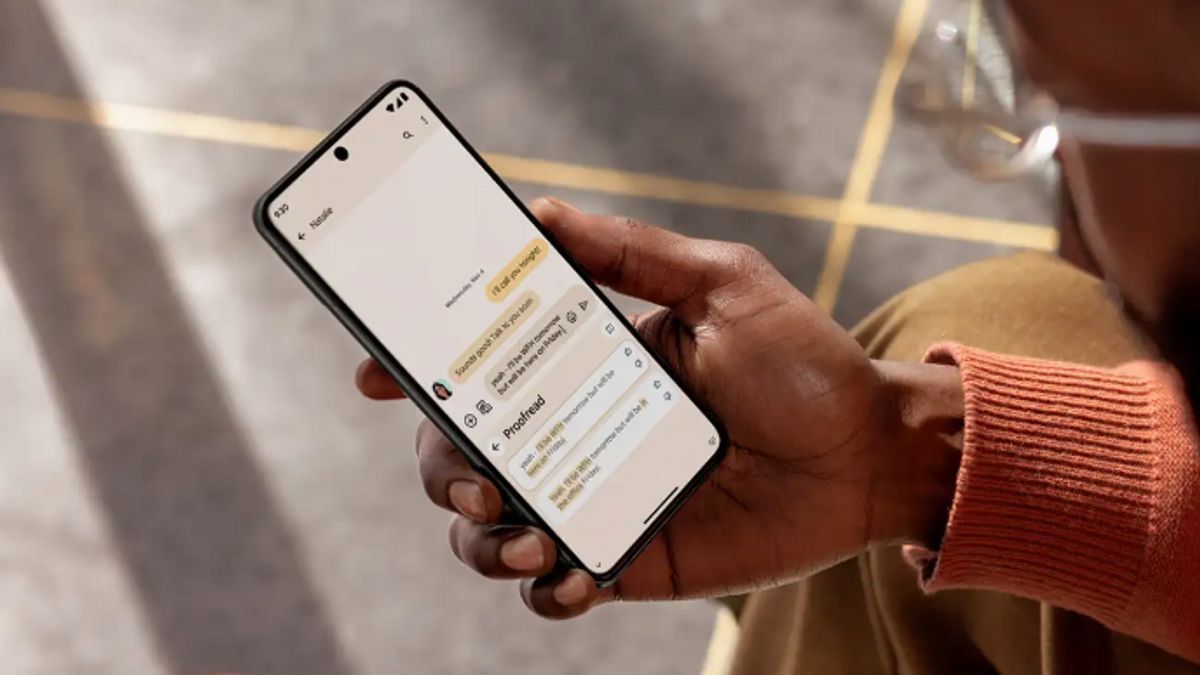


JAKARTA Voice Typing is the best feature in the digital typing application. The reason is, by using this feature, you don't need to move your fingers constantly.
Currently, almost all typing apps have Voice Typing support, from Google's Gbroad to Microsoft's SwiftKey Keyboard. Some applications have high accuracy so it's a shame if they are not used properly.
There are many benefits that can be obtained from using the Voice Typing feature. Of course, the majority of the benefits are supporting your productivity. If you are still doubtful about the benefits, here are some advantages from switching to Voice Typing.
Taking A Faster Type
One of the conveniences of using Voice Typing is typing faster. This really helps if you want to type messages or text that is quite long. Even though Voice Typing can't add read marks, this feature still saves time.
Users only need to activate the feature and say what they want your keyboard to write, then you can edit the writing at the end. You can check what parts are wrong, delete unnecessary parts, and add read marks at the end.
SEE ALSO:
-
 | TEKNOLOGI
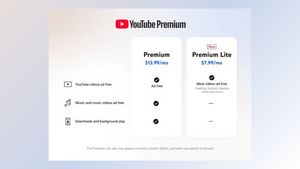
Paket YouTube Premium Lite Siap Dirilis di Thailand, Jerman, dan Australia
06 Maret 2025, 12:35

Hands Can Rest
The next benefit of the Voice Typing feature is that hands can rest longer. If you have typed for too long, you can submit the task to the typing application you use every day.
Without you knowing it, typing for too long can also make your arm hurt. Therefore, it doesn't hurt to take a break and let Voice Typing take over the typing task.
Apart from letting your arm rest, this feature is also useful if you're driving or your hands are dirty. You don't have to stop your vehicle or clean your hands first just to reply to the message.
The English, Chinese, Japanese, Arabic, and French versions are automatically generated by the AI. So there may still be inaccuracies in translating, please always see Indonesian as our main language. (system supported by DigitalSiber.id)
Most Popular Tags
#Prabowo Subianto #donald trump #2026 World Cup #Febrie Adriansyah #8791Popular


