

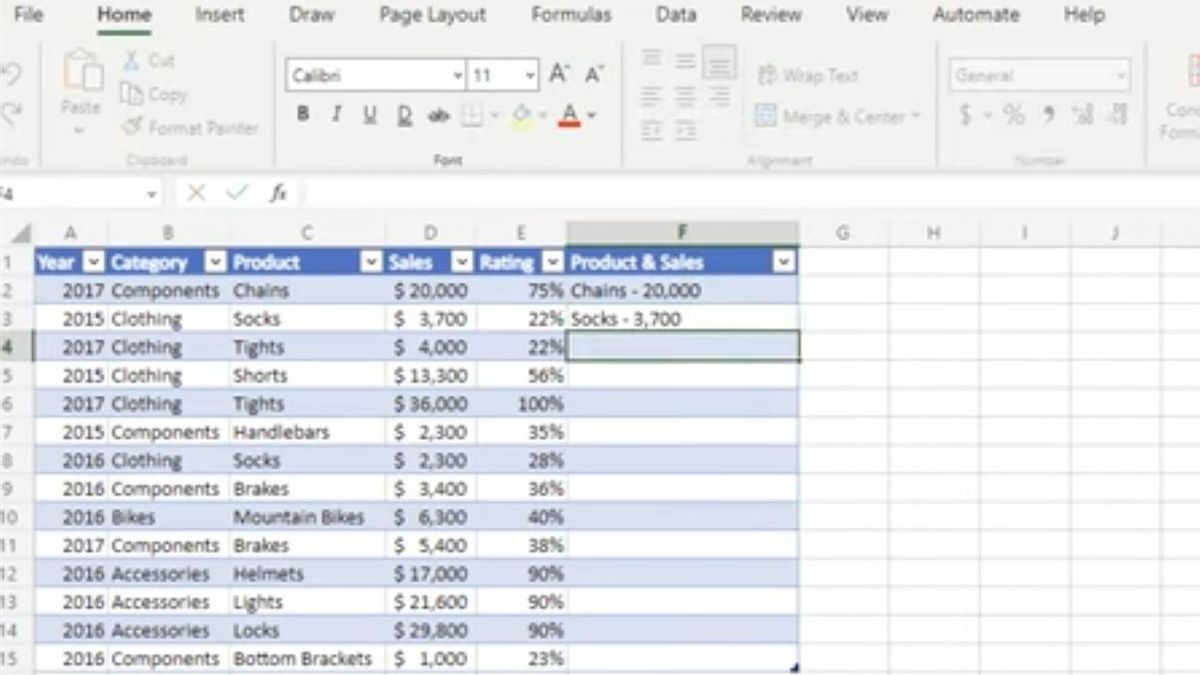


YOGYAKARTA - Computers certainly make a lot of office work more effective and efficient. One of the computer applications that is often used to complete work is Microsoft Excel. Then, what function is used to calculate the largest value of number data on Microsoft Excel? Check out the full review below.
Function is a formula that we use in Excel. There are many functions with different uses. Functions in Excel must be known so that we can take advantage of this application optimally.
In the Complete Guide to Create Excel Functions (2019:12), Wicaksono and Office Solutions explained that the function is a ready-to-use formula that is prepared to facilitate long and complicated calculations. There are several rules in the writing of functions that we must follow. If we don't apply these rules, the results of the calculation will be wrong or error.
What is the function used to calculate the largest value of number data on Microsoft Excel? Reporting from support.microsoft.com, the answer is MAX (MaX function). This function is used to return the largest value to a set of values.
Below is the syntax.
The argument for the syntax of the MAX function is as follows.
The arguments used can be in the form of numbers, names, or references containing numbers. For example, use = MAX(A2:A6). This means the largest value in the range A2:A6.
Apart from MAX, there are other functions in Microsoft Excel. Below are some of them.
SUM is a function for summating numbers on prescribed cells. Below are examples of formulas: = SUM(A3:A7)
In addition to calculating the largest value, on Excel there are also useful functions for calculating the smallest value, namely MIN. Examples of formulas: = MIN(A3:A7)
The COUNT function at Excel is used to calculate the number of cells containing numbers. Here are examples of formulas: = COUNTRY (A3:A7)
The COUNTA function is similar to the COUNT function. The difference is, the COUNTA function is applied to calculate cells containing anything, not just numbers. Here are examples of formulas: = COUNTRY(A7:P7)
The function that is also often used is AVERAGE. AVERAGE is used to calculate the average number in some specified cells. The example of the formula is: = AVERGE(A3:A30)
Thus, the functions used to calculate the largest value of number data on Microsoft Excel are MAX functions. You can memorize the functions on Excel to make work easier.
Demikianlah reviewasi mengenai fungsi yang digunakan untuk mengungkap nilai terbesar data angka. Semoga bermanfaat! Kunjungi VOI.id untuk mendapatkan informasi menarik lainnya.
The English, Chinese, Japanese, Arabic, and French versions are automatically generated by the AI. So there may still be inaccuracies in translating, please always see Indonesian as our main language. (system supported by DigitalSiber.id)
Most Popular Tags
#Prabowo Subianto #donald trump #firearm #8791 #giias 2026Popular


