

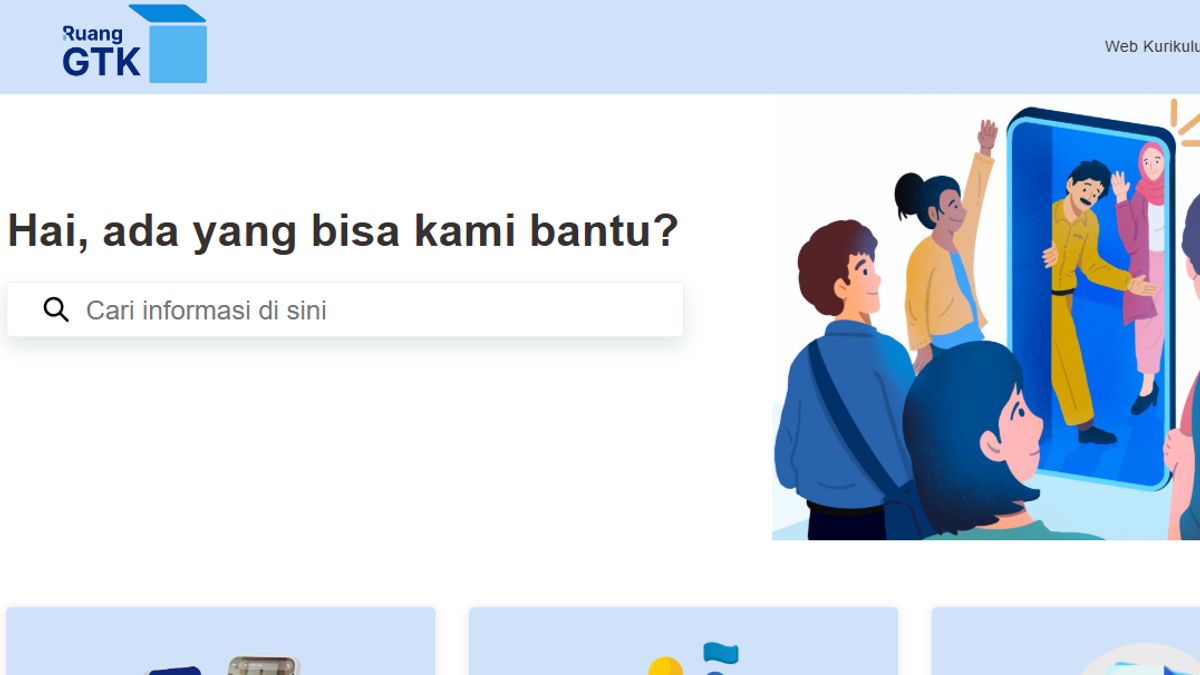


YOGYAKARTA - The Merdeka Teaching Platform (PMM) intended for teachers has now been changed to the GTK Room. With this transformation, teaching staff must adapt again to be able to use it optimally. So how to access GTK space for teaching and learning activities?
The implementation of the GTK Space platform is a strategic step from the Ministry of Education and Culture to provide a more inclusive and simple experience to its users. This platform is designed as a learning and inspirational space for teachers, school principals, and school supervisors to continue learning, work, and improve the quality of education.
This GTK space platform provides various features that will make it easier for educators to gain learning inspiration and manage their work. That is why teachers must understand the function of this platform, including how to access GTK spaces.
Based on information from the central information.guru.kemdikbud.go.id, the GTK Room is a digital platform developed as a result of the transformation of Merdeka Teaching. This platform aims to support teachers and education personnel in learning, teaching, and career development activities.
The simple and inclusive design allows all education personnel in Indonesia to use it. This platform is also connected to various other spaces in the Education House, such as the Student Room, School Room, and the Parental Room, thus creating an educational ecosystem that is connected to each other.
Through the GTK Room, users can easily access various learning materials, independent training, and referral documents.
In addition, the GTK Room is equipped with a feature to manage careers and performance, which helps teachers plan their professional development. This initiative is a step forward in efforts to digitize education in Indonesia.
The GTK Space Platform can be downloaded free or free via the Google Play Store. The following are steps to download GTK Space:
For Android users version 5 it should be noted that starting August 27, 2024, this application will no longer support updates to the operating system. It is recommended to upgrade your device version to a newer one in order to stay able to enjoy the latest features.
If you have successfully downloaded and installed on your phone, then you need to access it. Here's how to access the GTK room for the smartphone version:
For those of you who have just used this application for the first time, you must make sure it is registered with the dapodik or Ministry of Religion system. If it is registered, you can only access the GTK Room.
SEE ALSO:
-
 | TEKNOLOGI
AI dan Digitalisasi Punya Peran Penting dalam Pertumbuhan Ekonomi 8 Persen
22 Januari 2025, 17:35


GTK space can also be opened through a browser. The following are steps to access GTK Space via the website:
Opening GTK space from the website is perfect for those of you who don't have an Android device or want to use a platform. This method is also suitable for those of you who want to use GTK Space on a larger screen, such as a computer or laptop. Also read also the Minister of Education and Technology wait for the President's answer regarding the new rules for the placement of PPPK teachers.
Stay up to date with the latest domestic and other overseas news on VOI. We present the latest and updated information nationally and internationally.
The English, Chinese, Japanese, Arabic, and French versions are automatically generated by the AI. So there may still be inaccuracies in translating, please always see Indonesian as our main language. (system supported by DigitalSiber.id)


